The Free Tier of Every Video Call App Ends in Forty or Sixty Minutes
Zoom, Meet, Teams and Webex all cut a free group call at forty or sixty minutes, and none records to the cloud. The differences are smaller than you'd think.
The free tier of a video call app is not free in the way a free trial is free. A trial ends when a clock runs out on your credit card. A free tier ends when a clock runs out on the call itself — and for every major app, that clock is set to either forty or sixty minutes. Nobody spells this out on the signup page, because the signup page is where you pick your username, not where you learn that the meeting you scheduled for an hour and a half will drop everyone at the one-hour mark.
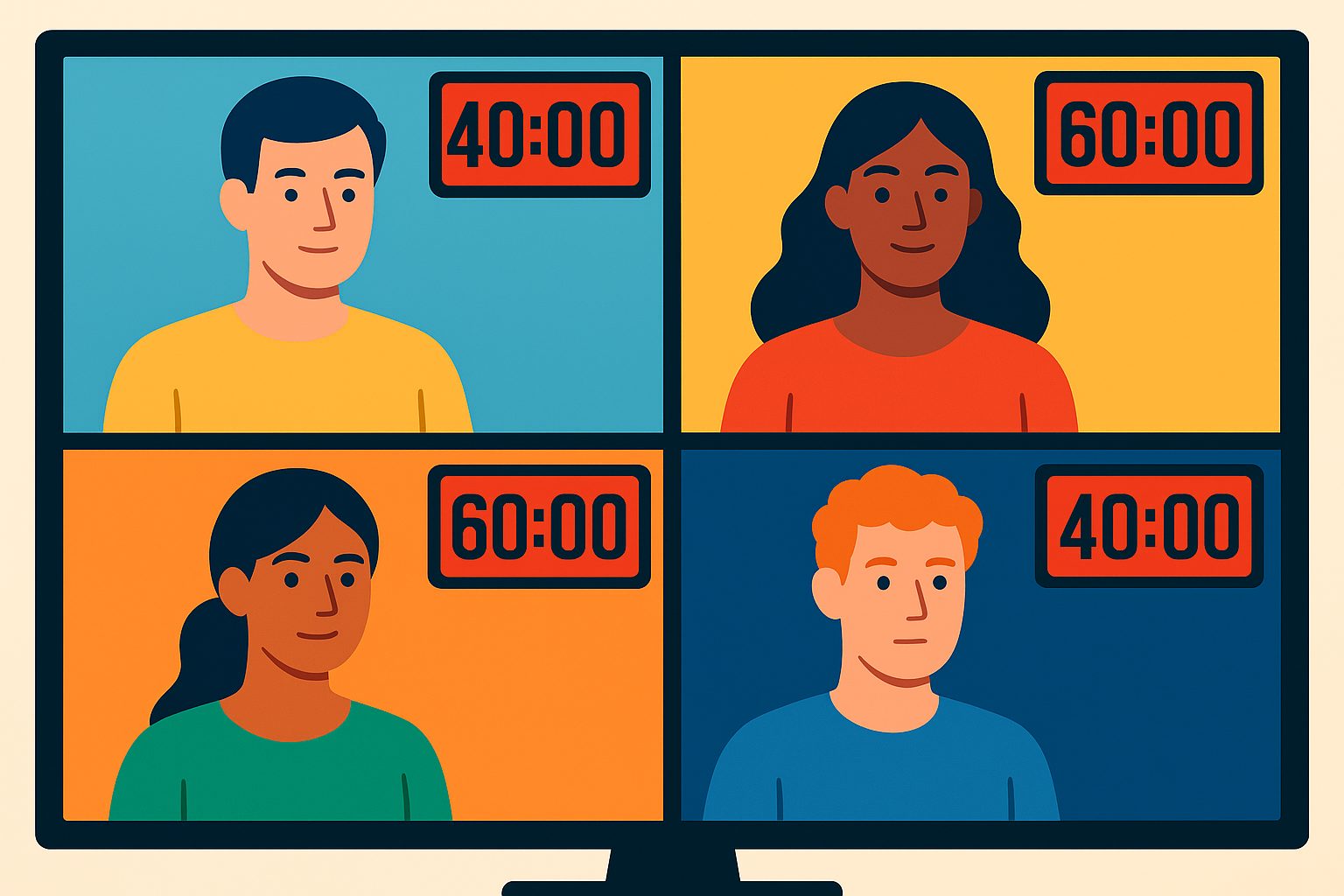
I opened the pricing and help pages for the four tools most small teams and families actually reach for — Zoom, Google Meet, Microsoft Teams, and Webex — and read what the free tier really gives you. The short version: they all let you host up to 100 people, and they all stop a group call after forty or sixty minutes, and none of them will record to the cloud. The differences between them are mostly about what happens to a one-on-one call and how loudly the cutoff is announced.
Here is the whole thing in one table, then what it means.
| Tool | Free group-call limit | One-on-one limit | Max participants | Cloud recording on free? |
|---|---|---|---|---|
| Zoom (Basic) | 40 minutes | 40 minutes | 100 | No (local-only) |
| Google Meet | 60 minutes | 24 hours | 100 | No |
| Microsoft Teams (free) | 60 minutes | 60 minutes | 100 | No |
| Webex (free) | 40 minutes | 40 minutes | 100 | No |
Checked September 12, 2026. Prices and policies can change. Sources: Zoom, Google Meet, Microsoft Teams, Webex.
The first thing the table kills is the idea that any of these tools is “unlimited.” Zoom markets its free Basic plan with the word “unlimited” prominently — and it is unlimited in the number of meetings you can start. You can host eight forty-minute calls in a day. You just can’t host one eighty-minute call. That is the entire trick of the free tier: the limit is placed on the unit that is hardest to work around mid-call, not on the thing you’d notice while browsing a pricing page.
The one genuinely surprising number is Google Meet’s one-on-one column. Meet lets two people talk for up to twenty-four hours for free, which is a real, defensible difference if most of your calls are exactly one other person. Zoom used to offer the same deal — one-on-one calls with no limit — but changed it in 2022 so that even a two-person call hosted by a free account cuts off at forty minutes. A lot of people who remember Zoom from before that change still believe their private calls are unlimited, which is exactly the kind of stale assumption a free-tier audit of your team chat exists to catch.
None of the four will record to the cloud on the free plan. Zoom will let you record to your own computer, Teams will let you record nothing at all, and Meet and Webex gate recording behind a paid Workspace or Webex plan. If the reason you wanted a video call in the first place was to have a record of it afterward — an interview, a client handoff, a decision you don’t want to relitigate — the free tier doesn’t just time you out, it refuses to produce the artifact you came for. This is the same shape of gap I keep finding in scheduling-link free plans: the free plan lets you do the thing, but not keep the thing.
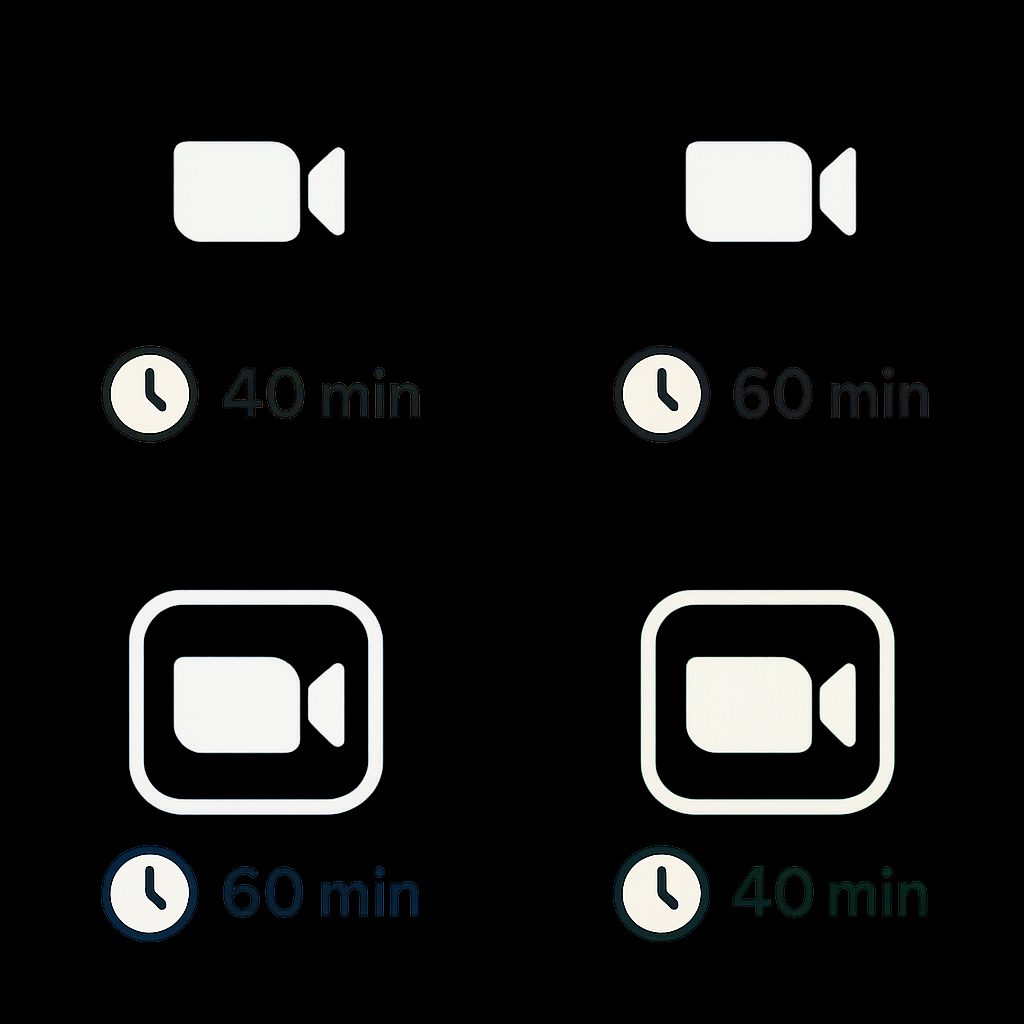
The second thing worth noticing is that the 100-participant ceiling is universal, and it is the least interesting number in the table. Almost nobody who is choosing a free video tool has 100 people to put in a call. The participant number is printed in large type because it is easy to compare and hard to be wrong about; the forty-versus-sixty-minute difference is buried in a support article because it is the number that actually ruins your Thursday. When a vendor leads with a number you will never reach and hides the one you will hit every single week, that is a signal about where the real product is.
There is also a behavioral trap hiding in the sixty-minute plans. Google Meet warns everyone at the fifty-minute mark that the call is about to end, and Microsoft Teams simply cuts at sixty. A meeting scheduled for “an hour” on a sixty-minute tool doesn’t leave room for the five minutes of preamble while people trickle in — you get cut off in the middle of the actual discussion, not at a tidy stopping point. On a forty-minute tool the failure is even more precise: you lose the call right around the moment the real agenda item finally arrives, because the first half hour went to small talk and screen-sharing hiccups.

The practical upshot depends almost entirely on the shape of your calls. If your calls are mostly one other person and can run long, Google Meet is the odd one out that actually accommodates you. If your calls are group meetings with a hard agenda you can budget to forty minutes, Zoom and Webex are fine and you will never notice the cap. If you need a recording, none of the free tiers will do it, and you should price that need into the decision instead of discovering it after the interview is over.
What you should actually do before picking one: decide which single limit you will hit first, and test that. Schedule a real call with the exact number of people you normally have, let it run past the cap, and watch what happens — whether it warns you, whether it lets the host restart, and whether anything you said survives. That test costs twenty minutes and answers the question the pricing page is designed not to answer. It is the same logic as the cloud-storage free-tier comparison: the headline number is free, and the place the product actually bites is always one row further down the table.

The free tier is not a gift and it is not a scam. It is a pricing instrument with a fuse, and the only thing it is hiding from you is the length of the fuse. Read the support article, not the hero banner, and you will know the number before the countdown does.
Related reading
Free AI Meeting Notetakers: Limits, History and Exports
Compare Otter, Fathom, Fireflies, tl;dv and Granola free plans: transcription caps, summary allowances, history access and export limits before choosing a tool.

The Day You Outgrow a Project Tool's Free Tier
Six project tools, one table: where each free plan ends, what the cheapest paid tier costs, and how you get your data out. Every cell links to its vendor page.

Scheduling Links Compared: What "Free" Actually Lets You Book, and What a Year Really Costs
Compared the free plans and yearly cost of Calendly, Cal.com, SavvyCal and TidyCal. One caps you at one event type, one is free forever, one has none.

Newsletter Platforms: What "Free" Actually Gets You Before You Pay
Mailchimp, Kit, Buttondown, MailerLite and Beehiiv free tiers compared from their pricing pages. Caps run from 100 to 10,000 subscribers, plus hidden limits.