Shadow IT Audit for Small Teams: Find Unlisted Apps and Review Access
Find unlisted team software by matching bills, signups and account permissions. A sourced Google and GitHub checklist with a reusable inventory worksheet.
Shadow software is a work tool that sits outside the team’s agreed inventory or approval process. It might be a paid subscription, a free file converter, or an integration connected to a work account. The useful question is specific: who owns it, what can it access, and what would stop working if it disappeared?
A small-team audit can start with records you already control. Compare payments, work-account signups, connected apps and the tools people say they need. Treat each list as partial evidence. A receipt proves a charge; it does not prove current use. An account connection proves a permission relationship; it does not establish that someone is still opening the app.
Documentation checked September 22, 2026. This is a proposed audit procedure based on the official sources below, not a report of a team trial. An earlier version described an eleven-tool discovery, savings and a successful long-term policy without supporting records; those claims have been removed.

Illustration only; the icons do not represent a measured inventory.
Build an inventory from four separate lists
Ask each teammate to list the work tools they use and the task each performs. Include browser extensions, desktop utilities, file-sharing accounts, automation connectors and AI tools that accept work material. Have people review their own work profiles and report relevant services; collecting everyone’s entire browser history introduces unrelated personal information without guaranteeing completeness.
Next, inspect authorized business payment records. Search for recurring charges, annual renewals and reimbursements, then match merchant names to products. Record the billing owner and renewal date. Mark an unexplained payment as unresolved until somebody checks the invoice: a parent-company name on a statement may not resemble the app’s name.
Search work email for welcome messages, receipts, trial reminders and account verification. These are leads to investigate. A signup from years ago may belong to an abandoned trial, while an actively used free tool may have no recent receipt at all. Restrict the search to work accounts and records you are authorized to review.
Finally, inspect connected-app settings. Separate a login connection from access to files, mail or repositories. Also ask about tools reached with their own password and services used without an account. An OAuth list cannot discover every website that has received an uploaded document.
Keep these discovery paths separate in the worksheet. If a tool appears in three places, merge the entries while preserving the evidence. If it appears in just one place, the missing matches become follow-up questions. The same reconciliation can feed a quarterly stack audit without turning every review into a fresh search from scratch.
Where Google and GitHub expose connected apps
The table records documented controls, not a completeness guarantee. Interface labels and administrative privileges can differ between personal and managed accounts.
| Account or control | What the official documentation confirms | What to record or distinguish |
|---|---|---|
| Google Account linked apps | The linked-apps guide separates Sign in with Google, linked accounts and third-party access to Google data. Access details can be reviewed and removed. | Record the connection type and requested access. Removing a sign-in link does not delete the app’s stored data. |
| Google Workspace administration | App access control lists configured, accessed and pending-review apps. An authorized administrator can inspect requested services/scopes and download lists as CSV. | Record the app ID, users, requested services and configured policy. Details typically appear 24–48 hours after authorization, so a fresh list can lag. |
| GitHub OAuth apps | GitHub documents a separate Authorized OAuth Apps tab under Settings → Applications for reviewing and revoking authorizations. | Inspect this tab separately from GitHub Apps; checking one does not complete the other. |
| GitHub App user authorization | Under Authorized GitHub Apps, the user can revoke their authorization. An organization owner cannot revoke a member’s personal authorization. | Identify whose authorization is involved and which person must act. Organization installation is a separate control. |
| Installed GitHub Apps | GitHub’s installation settings support reviewing permissions and repository access, and managing the installation. | Check the relevant personal or organization installation before assuming a user-level change covers it. |
For Google, inspect the actual connection details before concluding that a familiar login button grants Drive access. Those are different permissions. For Workspace, the documented path is Security → Access and data control → API controls; it requires the Service Settings administrator privilege. If you lack that role, ask the authorized administrator for the relevant inventory rather than sharing an admin login.
Use a worksheet that produces decisions
A useful record needs an accountable owner and a next action. Avoid collecting credentials in the inventory itself. Link to the approved credential store or account-management record where appropriate, with access restricted to the people who need it.
This is a blank worksheet design, not a vendor requirement or a tested security standard:
| Field | What to enter | Question it should answer |
|---|---|---|
| Product and workspace | Service name, work account and workspace identifier | Are two entries actually the same subscription? |
| Owner and backup | Person responsible; person able to take over | Who can explain its purpose or recover access? |
| Work dependency | Task, project or automation using it | What breaks if access stops? |
| Data and permissions | Data categories, uploads, connected account and granted scope | What exposure needs review? |
| Billing | Payer, plan, cadence, renewal and cancellation route | Is there a charge to stop separately? |
| Evidence | Invoice, settings record or owner’s confirmation with date | What supports the entry? |
| Decision and deadline | Keep, narrow access, investigate or retire; named assignee | What happens next, and who checks completion? |
For example, suppose a fictional three-person studio finds a free converter connected to a work account, a paid design app on a founder’s card and a repository integration used by its release process. The converter needs a data-access review even though there is no bill. The design app needs a billing and ownership check. The integration needs a dependency check before removal. No risk ranking follows from price alone.
Free storage tiers make the same distinction visible: a zero-dollar account can still hold business files. Conversely, paying for a service does not establish that its access is appropriate.
Decide what to keep before removing access
Review entries with unknown owners, unclear data handling or broad permissions first. This is a suggested triage order, not a numerical risk score. A tool with a narrow purpose may still be important to an active project; a widely used tool may have access that nobody can justify.
For a service the team intends to keep, name the owner, document the business purpose and check whether permissions can be narrowed without breaking the required task. Where a permission cannot be narrowed, record that limitation and let the responsible person decide whether the dependency is acceptable.
For a service to retire, identify what must be preserved and whether anything calls it automatically. Follow the vendor’s process for export, cancellation, access removal and deletion as separate actions. Our data-retention comparison explains why cancelling a subscription should not be treated as proof that stored material has disappeared.
Use a non-sensitive sample to check the replacement workflow before cutting over. If a repository integration supports releases, give its owner a specific window to verify the alternative and a documented recovery route. The migration checklist provides a fuller way to record those dependencies.
Close the worksheet entry only when the assigned actions have evidence: for example, a cancellation confirmation, a changed access setting and an owner-confirmed replacement task. A checkbox labelled “removed” conceals too many different states.
Write an adoption rule people can follow
A proposed small-team rule is: record any new work tool when you introduce it, name an owner, and describe the data or permissions it needs. Require an explicit review before using it with sensitive client material or granting broad account access. A rushed deadline should have a named decision-maker and a recorded exception, rather than an invisible exception.
Give low-risk evaluations a route too: test with synthetic material, avoid unnecessary account connections and set a date to keep or retire the trial. This is a suggested operating policy; there is no claim that it guarantees compliance, prevents every incident or produces a particular saving.
Revisit the inventory when a teammate leaves, a project closes or a renewal arrives. Compare new evidence against the previous record and retain unresolved items with owners. Success in this audit is a smaller set of unexplained tools, permissions and charges, measured in your own worksheet. Finding an impressive number of apps is not the objective; making each remaining dependency understandable is.
Related reading
Encrypted Note Apps Compared: Who Can Read Your Notes, and What Each Plan Costs
Which note apps are end-to-end encrypted, what each paid plan costs, and how you get your notes back out — five apps checked against their own pages.
Password Managers Compared — Free Limits, Annual Price, and Who Can Read Your Vault
Seven password managers compared on free limits, annual price, zero-knowledge encryption, and export, checked against each vendor's own pages.

What a VPN Costs per Device, and Which Providers Publish Proof of No Logs
Seven VPN providers compared on real prices, device limits, logging policies, jurisdiction, and refund windows, checked against each vendor's own pages.
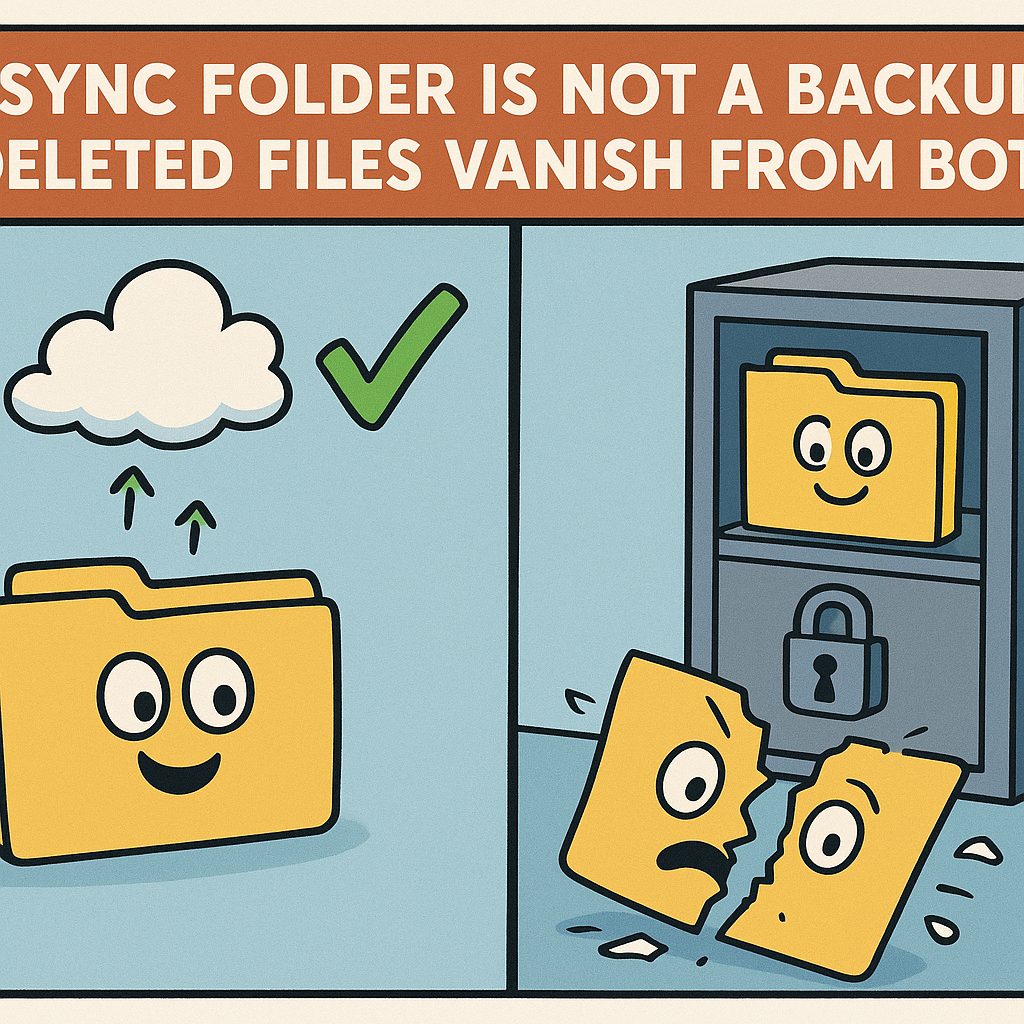
Cloud Backup Is Not Sync: What a Real Backup Costs and Who Holds the Keys
Six backup services compared on price, encryption, version history and restore — and why a synced folder is not a backup.