The Same Subscription Is Two Different Cancellations: App Store vs. the Vendor
A subscription bought through Apple or Google is billed by the store, not the vendor. Where each one is cancelled and refunded, from the official help pages.
Imagine turning off a feature in an app and later finding that its paid subscription still renews. That hypothetical does not establish which company made a mistake. It identifies the record to check: the subscription attached to the charge. Start with the receipt and billing provider, then verify the renewal status in that account.

The mechanism
A subscription billed through Apple or Google Play has a store billing record; one purchased through a vendor’s own checkout has a different billing route. Signing up inside an app does not, by itself, prove which route was used. Nor does one store subscription necessarily mean you bought two subscriptions: the store and vendor can hold records of the same entitlement.
Correction, September 30, 2026: The earlier version incorrectly said developers cannot cancel store subscriptions and that cancellation messages never reach the other party. Google’s subscription-management documentation, checked September 30, 2026, explicitly supports developer-initiated cancellation as well as user cancellation. An in-app or website flow can therefore be valid. The practical check is the resulting billing status, not the screen on which you started.

Where the off-switch is, according to each store
The table is built from Apple’s and Google’s own help pages. Where a page does not answer a question, the cell says so rather than guessing.
| Question | Apple (App Store) | Google Play | Bought direct from the vendor |
|---|---|---|---|
| Where to cancel | Settings, tap your name, Subscriptions, tap the subscription, Cancel Subscription. On a Mac: App Store, your name, Subscriptions. | Google Play, subscriptions, select the subscription, Cancel subscription. | The vendor’s own account or billing page; varies by service. |
| Does deleting the app cancel it? | Not stated on the page checked. | No. “When you uninstall the app, your subscription won’t cancel.” | Not applicable; there is often no app. |
| Access after cancelling | Not stated on the page checked. | “You’ll still be able to use your subscription for the time you’ve already paid.” | Usually to the end of the paid period; see the refund and cancellation comparison. |
| Free trial | “Cancel it at least 24 hours before the trial ends.” | Not stated on the page checked. | Depends on the vendor’s trial terms. |
| Who refunds a charge | Apple, via reportaproblem.apple.com, “Request a refund”; “wait 24 to 48 hours for an update.” | Google Play’s refund flow; Google’s page adds that “the developer can help with purchase issues and can process refunds pursuant to its policies.” Time limits are not stated on the overview page checked. | The vendor, under its own refund policy. |
Sources: Apple, cancel a subscription; Apple, request a refund; Google Play, cancel, pause or change a subscription; Google Play, refunds. All checked September 30, 2026.
Two rows deserve a second look. Apple’s 24-hour rule for trials means a trial that ends on Friday morning has to be cancelled by Thursday morning, not Thursday night. And Google’s line about uninstalling is the one that catches people who think removing the app is the same as leaving; it is not, on either platform, and Apple’s page simply does not raise the question.
Verify the result of an in-app cancellation
An in-app control can open the store’s subscription page or initiate a supported cancellation. It can also change a feature without stopping renewal. Check what the confirmation actually says: which subscription, which billing account, whether renewal stopped, and when paid access ends. If the account still shows a future renewal, retain the confirmation and ask the billing provider or developer to reconcile the discrepancy.
The trial version of this is where it gets expensive, because a free trial started in-app converts to a paid subscription through the same platform, and the trial’s end date is a deadline most people do not write down. Both stores auto-renew a trial at full price unless you cancel ahead of time, and you should verify cancellation against the store billing record even when you start from an app or vendor support flow. The free trial that bills you anyway covers the trial side; the in-app version is the same mistake with an extra step hiding the off-switch.
Price and refunds live in different places too
Compare the price and billing period shown at each checkout before choosing a route. Do not assume the app and website quote the same total or use the same renewal terms. Save the receipt so a later cancellation or refund request reaches the provider that actually billed you.
The refund path follows the money. An App Store charge is refunded by Apple, through the purchase-history request above; the vendor cannot refund a charge it never took. A Google Play charge goes through Google’s refund flow, and Google’s own page says the developer may also process refunds under its policies, so on Android either party may be the right one to ask. A vendor-direct charge goes through the vendor. None of these is automatically easier. They are just in different places, and asking the wrong party is a reliable way to lose an afternoon. Knowing who billed you tells you who to ask.
A method that does not depend on memory
Three steps, none of them clever.
- Record the billing door at sign-up. Record “Apple,” “Google Play,” or the named direct billing provider next to the service in your recurring-charge list. That word determines where the off-switch lives later. If you do not keep such a list, finding every subscription you pay for is the place to start, and it explains why the store lists and the bank statement each miss things the other catches.
- Reconcile two ledgers, not one. Open the App Store or Google Play subscription list and hold it against the vendors’ own account pages. An entry on only one side is a reason to investigate, not proof of a failed cancellation: the vendor may display store-billed access differently. Match the account, receipt and renewal status before deciding whether there is a duplicate charge. Once a quarter is enough for most people; the point is that it is scheduled, not remembered.
- Cancel where the money is, then confirm there. After cancelling, reopen the store’s subscription list and check that the entry now shows an end date. On Google Play, the paid period keeps running to its end, so the entry will not vanish immediately; the status change is the proof.
Separate billing and access records can be confusing even when they synchronize correctly. A canceled subscription may remain usable until its paid period ends; an active entitlement is not proof of another renewal. Conversely, deleting an app is not cancellation. Save the confirmation and check the next scheduled charge, especially for small subscriptions that are easy to miss.
The unglamorous summary: figure out who is actually billing you, cancel on their side, and write down where you signed up before you need to remember it. Nothing here is investment advice and nothing here is clever. It is the mechanics of who holds the card, and once the “subscription” is seen as two records in two systems, the rest of the discipline follows on its own.
Related reading
What Actually Happens When the Card on File Dies
Six subscriptions compared on what a failed renewal triggers — who retries quietly, who cancels you outright, and whether your data survives the gap.
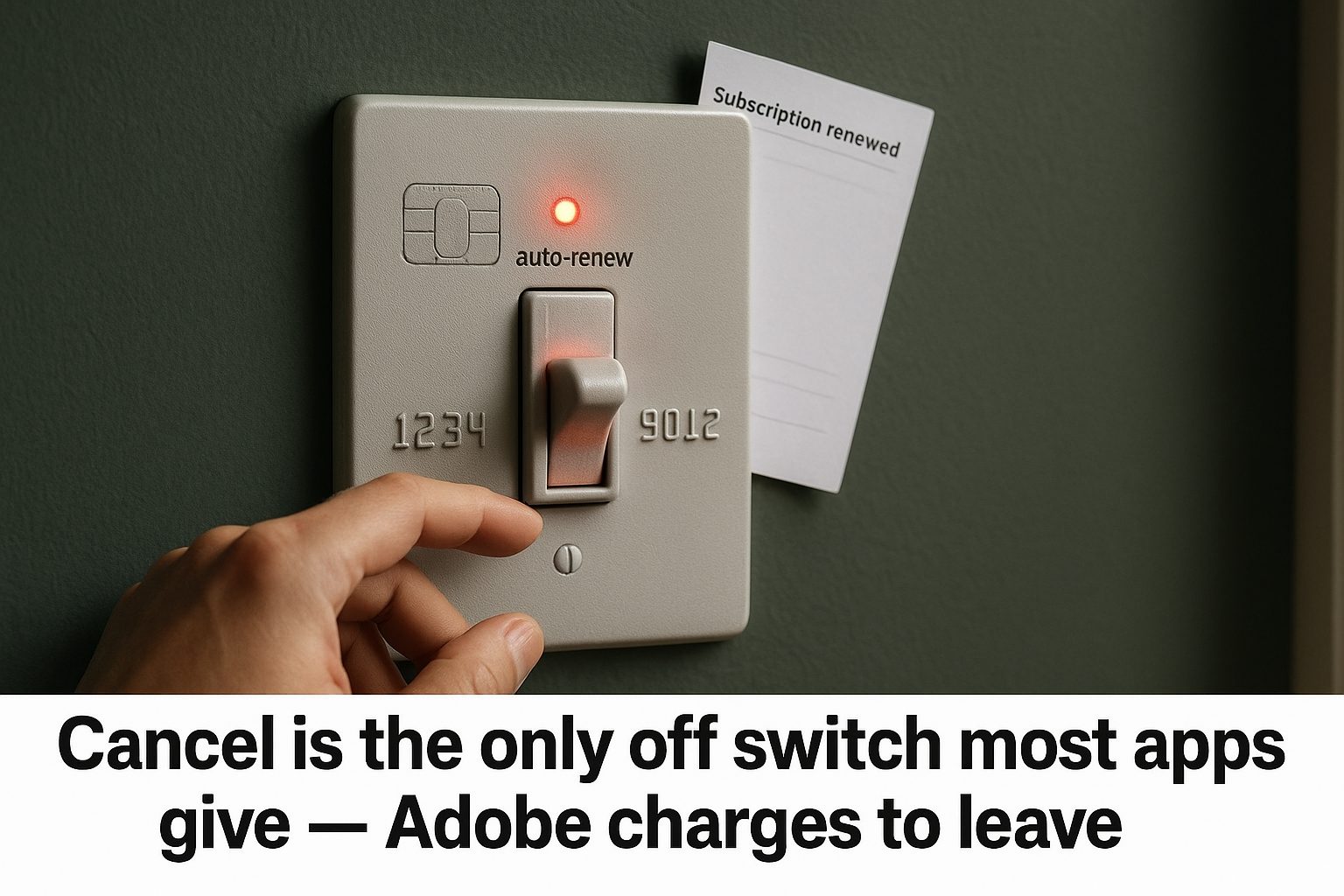
Most Subscriptions Have No Turn Off Auto-Renew Button
How to turn off auto-renew on nine subscriptions: most make you cancel, Microsoft has a real off switch, and Adobe charges 50% to leave.
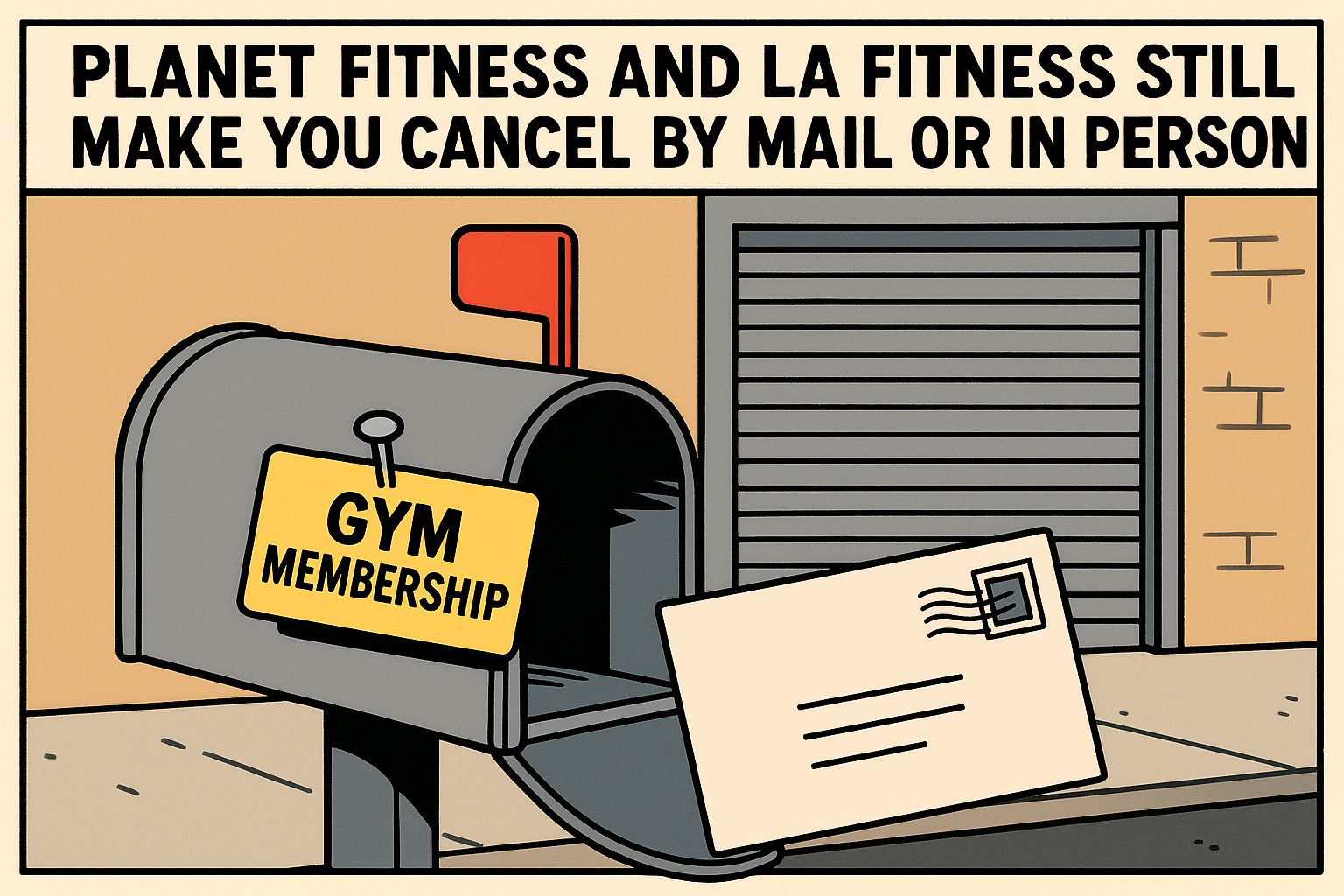
Which Subscriptions Let You Quit Online — and Which Still Make You Call
Gyms and cable still force a phone call, a letter, or an in-person visit to cancel; Audible and Amazon take two clicks. Eight subscriptions compared on leaving.

Where Your Subscriptions Are Hiding, and the Tools That Find Them
Subscriptions hide in five places and no single app lists them all. Here's what bank-linked detectors, manual trackers and free lists each find.