Where Your Subscriptions Are Hiding, and the Tools That Find Them
Subscriptions hide in five places and no single app lists them all. Here's what bank-linked detectors, manual trackers and free lists each find.
Before you can cancel a subscription, you have to know it exists. That sounds obvious, but it is the step where most of the recurring-charge problem actually lives. A charge that shows up quietly on a card once a year, or that you started as a trial two phones ago, is effectively invisible — and a subscription you cannot see is a subscription you keep paying for. This article is about the finding, not the cancelling: where recurring charges actually sit, which tools surface them, and what each one catches and misses.
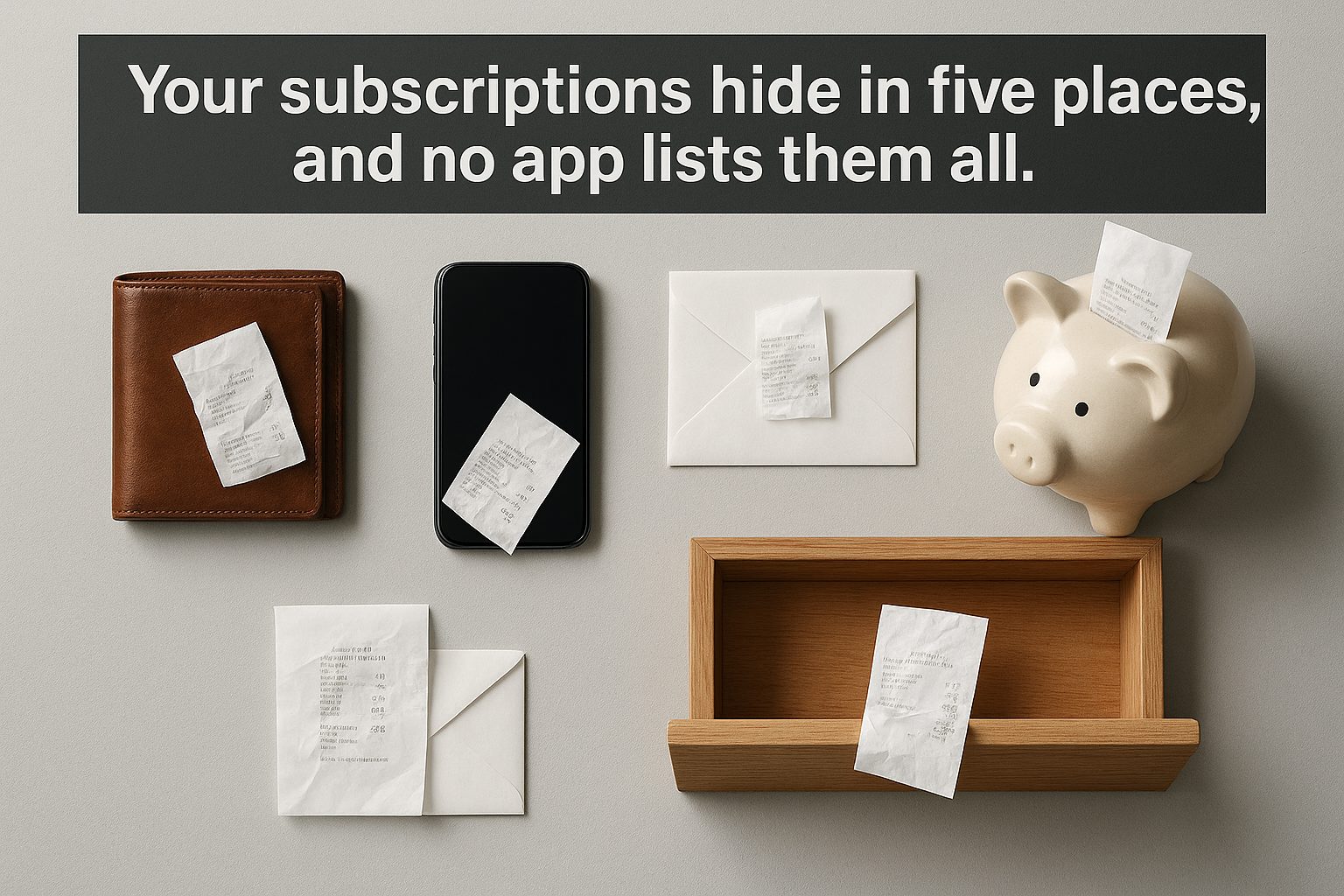
There is no single master list. Every subscription you pay for lives in one of five places, and no one screen shows all five at once. A charge billed through Apple sits in your Apple account, invisible to Google. A charge billed through Google Play never appears in your Amazon memberships. A vendor-billed charge — where you typed a card number directly into a website — appears in none of those lists at all, only as a line on your card statement. Knowing which place a given charge lives in is the whole trick, and it explains why “just check the App Store” never actually finds everything.
The tools that solve this split into three families, and the split matters more than any individual product. First are the built-in platform lists: Apple, Google, and Amazon each keep their own roster of what they bill you for. Second are bank-linked detectors: apps that connect to your bank or card, scan transactions, and flag anything that looks recurring. Third are manual trackers: apps you type your subscriptions into yourself, which help you remember what you already found but cannot find anything you have forgotten.
| Tool / method | How it finds charges | Cost (US) | Cancels for you? | Platforms |
|---|---|---|---|---|
| Bank / card statement review | Manually scan transactions for repeats | Free | No — you contact the merchant | Any bank or card |
| Apple: Settings → your name → Subscriptions | Lists everything billed through your Apple ID | Free (built-in) | Yes — tap to cancel | iPhone, iPad, Mac |
| Google Play: Payments & subscriptions | Everything billed through Google Play | Free (built-in) | Yes — tap to cancel | Android |
| Amazon: Memberships & subscriptions | Everything billed through Amazon (Prime, channels, digital) | Free (built-in) | Yes | Web and app |
| Bobby (Yummygum) | Manual entry from a built-in catalog | Free; optional one-time packs (~€1–3) | No | iOS, macOS |
| TrackMySubs | Manual entry, CSV import/export | Free for 10 subscriptions; Unlimited $10/mo, Enterprise $30/mo | No | Web |
| PocketGuard | Bank-linked auto-detection (read-only) | Free core; Plus $12.99/mo or $74.99/yr | Yes — cancel and bill-negotiation features | iOS, Android, web (US/CA/UK banks) |
| Rocket Money | Bank-linked auto-detection via Plaid | Free; Premium $7–14/mo sliding scale | Yes — concierge (but not Apple/Google-billed) | iOS, Android, web (US) |
Verified 2026-09-22. Prices and policies change.
The pattern in that table is the thing to pay attention to, more than any single row. The three free built-in lists catch a lot and cost nothing, but each only knows about its own platform. A bank-linked detector is the only category that can catch vendor-billed charges — the ones typed directly into a website — because those leave no trace in any app store, only in your transaction history. And the manual trackers sit at the opposite end: they are the most accurate at showing what you already know, and the least useful for discovering what you do not.
Start with the built-in lists, because they are free and immediate. On an iPhone, Settings → your name → Subscriptions shows every Apple-billed subscription with its next renewal date and a cancel button right there. Google Play’s Payments & subscriptions menu does the same for Android, and Amazon’s Memberships & subscriptions page covers Prime, Prime Video channels, and any digital subscription billed through Amazon. None of these require linking a bank account or installing anything.

The limitation is structural, not a product flaw. A subscription you started on a vendor’s own website never enters Apple’s or Google’s list, because the billing relationship is with the vendor, not the storefront. That is the same reason an App Store subscription cancels differently from one bought from the vendor directly: the storefront is the merchant of record, so it owns the list. If you rely only on platform lists, every vendor-billed charge stays hidden.
That gap is exactly what bank-linked detectors fill. These connect to your bank or card through a service like Plaid, read your transaction history, and flag anything that recurs — including charges from websites you no longer remember visiting. Rocket Money is the most prominent example: the free tier links your accounts and surfaces a recurring-charge list, while Premium adds a concierge that will contact a provider and cancel on your behalf, usually within two to ten days. Premium uses a sliding “pay what you think is fair” scale, most commonly $7 to $14 a month, with a seven-day trial.

PocketGuard plays the same role inside a broader budgeting app. It links accounts read-only (US, Canada, and UK banks), auto-detects bills and subscriptions, and its paid tier — $12.99 a month or $74.99 a year — adds a “cancel subscriptions” action and a bill-negotiation feature. Both tools share a hard limit worth knowing before you pay: neither can cancel a subscription billed through Apple or Google, because those charges are owed to the storefront, not the vendor, and a third party has no standing to cancel them on your behalf. For those, you are back to the built-in list.
Manual trackers are a different animal. Bobby, an iOS app, and TrackMySubs, a web service, both ask you to enter subscriptions yourself, from a catalog of known services or as custom entries. Bobby is essentially free, with a few small one-time purchases to unlock limits; TrackMySubs gives you ten subscriptions free, then $10 a month for its Unlimited plan or $30 a month for Enterprise. The honest way to read these is as memory aids: they surface renewal dates and add up your monthly total, which is genuinely useful once you have a list — but they will never discover the charge you forgot, because they can only show what you typed in.
That is the cost pattern in a sentence: the free tools list, the paid tools cancel. Every option that will actually remove a subscription on your behalf — Rocket Money’s concierge, PocketGuard’s cancel action — sits behind a subscription of its own. Every free option only shows you the charge and leaves the cancelling to you. There is a quiet irony in solving a subscription problem by taking out another subscription, and it is worth weighing the monthly fee against how many charges you expect it to actually eliminate.
There is also a privacy dimension the table flattens. Bank-linked detection only works because you hand over read-only access to your transaction history, and for some people that trade — convenience for a standing view into every card purchase — is not one they want to make. The manual trackers and the built-in lists involve no such grant. This is a genuine criterion rather than a footnote: a person who would rather type ten subscriptions by hand than link a bank account has a legitimate, complete answer, and none of the bank-linked products serve them.

It is also worth a note on Trim, because it shows how fast this category shifts. Trim was the category’s best-known name for years — cancel-by-text for free, bill negotiation for 15% of first-year savings — but after OneMain Financial bought it in 2021 the standalone consumer service was wound down, and its features now live only inside OneMain’s app for OneMain customers. Any list you find online still recommending Trim as a free cancel button is describing a product that no longer exists in that form, which is precisely the kind of staleness this comparison is meant to avoid.
So the decision reduces to three questions rather than a feature-by-feature spreadsheet. Do you want to find charges you have forgotten, or just organize the ones you know? The first points to a bank-linked detector, the second to a manual tracker or a plain statement review. Are most of your charges platform-billed, or vendor-billed? Platform-heavy people are unusually well served by the free built-in lists. And are you willing to pay, and to link a bank account, in exchange for having someone else do the cancelling? If not, the built-in lists plus a manual tracker cover you at zero cost — you just do the cancelling yourself.
One last overlap to watch: a tool can surface a charge only once it has already started billing. That means the tools in this article are at their weakest on the very thing that causes the most surprise — a trial that converts quietly before anyone looks. If your real goal is to catch charges before they begin rather than after, the finding step comes too late, which is a separate problem from the one this article answers; it is why a free trial that bills you anyway deserves its own attention, and why knowing how a service handles cancelling and refunds matters before you sign up at all.
The practical upshot is simple and does not require buying anything. Open the three built-in lists first — Apple, Google, and Amazon — and cancel whatever you find there. Then pull a card statement and scan it for vendor-billed repeats, because that is the only place those live. Only after those two passes, if you still suspect there is more hiding, is a bank-linked detector earning its fee. The recurring-charge problem is mostly a discovery problem, and the free layers already catch more of it than most people expect.
Sources:
- Rocket Money — pricing and what’s free vs. Premium: https://www.rocketmoney.com/learn/personal-finance/how-much-does-rocket-money-cost
- Rocket Money — terms of service (Premium and Premium+ tiers, negotiation fee): https://www.rocketmoney.com/terms
- Bobby — App Store listing (in-app purchases): https://apps.apple.com/app/bobby-track-subscriptions/id1059152023
- TrackMySubs — pricing: https://trackmysubs.com/pricing/
- PocketGuard — pricing: https://pocketguard.com/pricing/
- Trim / OneMain MyMoney — service status and cost: https://trimhelp.zendesk.com/hc/en-us/articles/4405553893399
Related reading
Most Subscriptions Have No Turn Off Auto-Renew Button
How to turn off auto-renew on nine subscriptions: most make you cancel, Microsoft has a real off switch, and Adobe charges 50% to leave.
Which Subscriptions Let You Quit Online — and Which Still Make You Call
Gyms and cable still force a phone call, a letter, or an in-person visit to cancel; Audible and Amazon take two clicks. Eight subscriptions compared on leaving.
What Actually Happens When the Card on File Dies
Six subscriptions compared on what a failed renewal triggers — who retries quietly, who cancels you outright, and whether your data survives the gap.
What Actually Happens to Your Data When You Cancel a Subscription
What seven subscriptions keep after you stop paying, from their own help pages. Netflix holds history 10 months; Adobe and Dropbox start a 30-day clock.