Family Plans: The Subscription Four People Use and One Person Pays For
A shared plan puts the cost on one card and the benefit on several people. What each family plan's help page says about who pays, who can join, and cancelling.
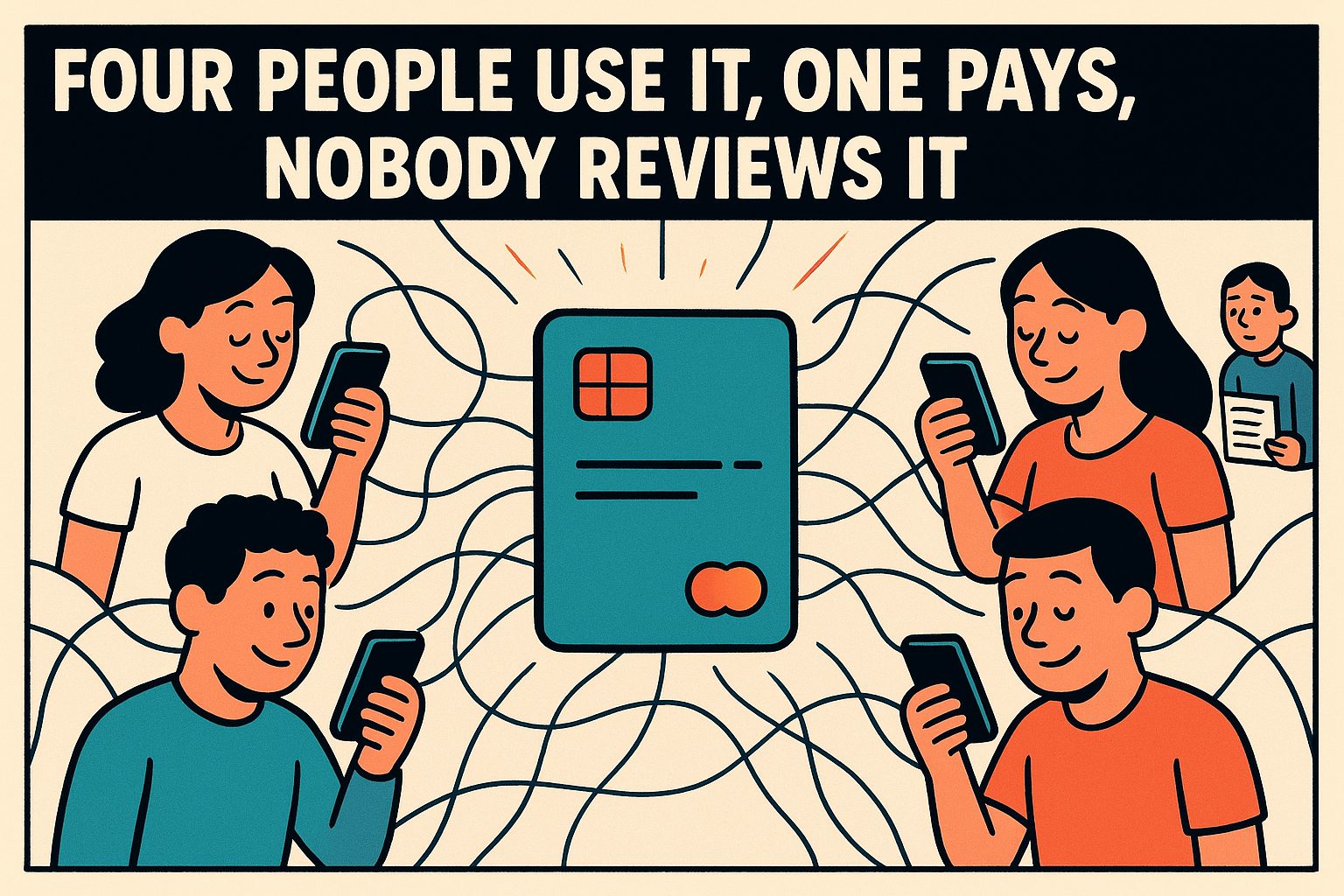
There is one recurring charge that tends to escape an end-of-month review, and it is not a forgotten trial. It is the family plan: the one where one person pays and several other people quietly benefit. A shared streaming account, a shared storage plan, the “family” tier of an app that a household uses. It is the only kind of subscription where the person being charged and the people being served are not the same person, and that single fact is why it slips past the review that catches everything else.
Why it hides
Say someone lists every recurring charge on one page, as finding every subscription you pay for describes, and the list is supposed to be the complete picture. The family plan is on the card, so it is on the list. But it does not get reviewed, because it does not feel like a subscription. It has been mentally filed as a household utility, like the internet bill, and nobody reviews the internet bill as a purchase decision. That category shift, from “thing I subscribe to” to “thing the house has,” is the entire mechanism.
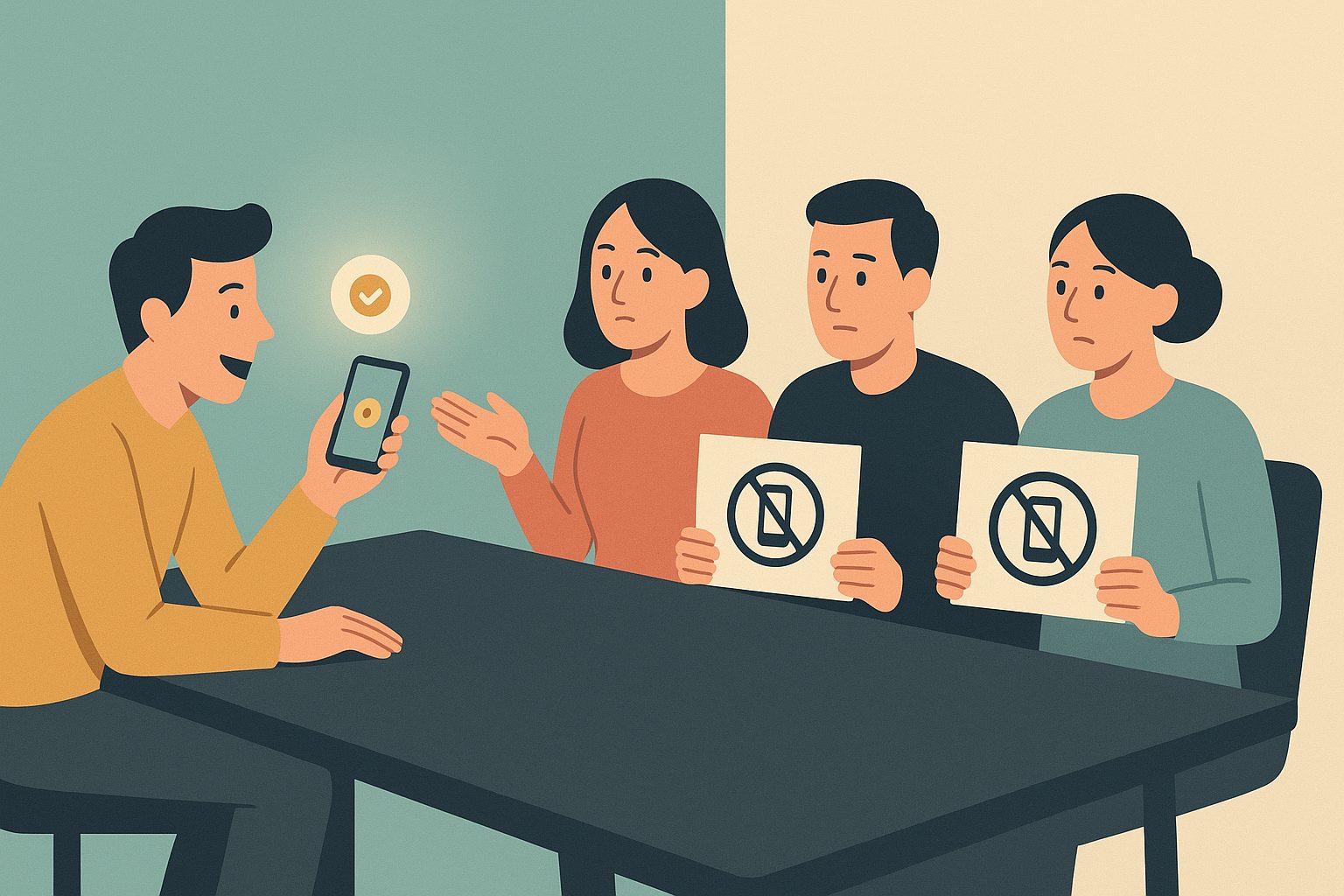
A solo subscription makes you ask, every month or year, “am I still using this?” A shared one makes that question feel rude. Cancelling a family plan is not cancelling a service; it is taking something away from a sibling, a flatmate, a co-parent. The awkwardness is what the pricing page is quietly counting on, because the person holding the card is the last person who wants to be the one who turns it off.
There is also a free-rider dynamic that sounds petty to say out loud. One person gets the bill, everyone else gets the benefit, and because the benefit is silent and automatic, the other members never think about the cost at all. It is the opposite of a cost-per-use calculation, where a subscription only earns its keep if it is used enough. With a family plan, the person who would do the calculation is rarely the person doing the using, so the calculation never happens.
What the plans actually say
Before the money conversation, it helps to know the rules, because they differ more than the “family” label suggests. The table is built from each company’s own help page; where a page does not answer a question, the cell says so.
| Plan | Who can be on it | Who pays | Lock-in rules | If the payer cancels |
|---|---|---|---|---|
| Spotify Premium Family | “Up to 6 family members who live together, including the plan manager”; members enter the manager’s home address | “The plan manager is the only person who signs up and pays” | Members can switch plans “once every 12 months” | Members “lose their Premium benefits starting from the next payment date”; “any managed accounts will move to our free, ad-supported plan.” A free account keeps its “playlists and saved music” |
| YouTube Premium family | Manager plus “up to 5 other members of your household,” same residential address; manager 18+ | The family manager, “the only person who can purchase a family plan or make membership decisions” | Nobody may have “switched family groups in the last 12 months” | “All family members will lose access to the paid membership, but will still keep their Google Accounts” |
| Apple Family Sharing | “You and up to five family members”; organizer must be an adult | “The family organizer pays for everyone’s purchases unless they turn off Purchase Sharing or other adult family members use their own payment method” | “Switch to a different Family Sharing group once per year” | If the organizer disbands the group, “everyone loses access to shared purchases and services”; each person keeps “any purchases you initiated.” The same page says the group loses shared services when their purchaser leaves; for iCloud+ cancellation timing and storage effects, see the dated distinction below |
| Google One | “Share storage with up to 5 family members” | The Google One plan manager, who “doesn’t need to be the same person as the family manager”; “any adult in your family can subscribe” | Google family groups: “You can only change family groups once every 12 months” | “You and your family members will lose access to your additional storage”; each keeps “up to 15 GB”; members who are over quota find “their files will stay safe, but they won’t be able to store anything new” |
| Microsoft 365 Family | Owner plus up to five people; each gets 1 TB of OneDrive | “Only the subscription holder can share their subscription” | None stated | If the holder lets it expire, members’ “files will remain intact” but storage and desktop apps revert |
| Dropbox Family | “2 TB of storage space that can be shared by up to 6 members,” 13+ in the US, 16+ elsewhere; no same-address rule stated | “A single person, the Family manager, will manage the billing” | None stated | “Everyone on the plan … will be downgraded to their own free Dropbox Basic account”; files kept, but Basic is 2 GB |
| Netflix | “A collection of devices connected to the internet at the main place where you watch”; outsiders need their own account or a paid extra-member slot | The account owner; extra members are bought by the owner | Extra members not available on ad-supported plans or third-party-billed accounts | “If the primary account is canceled, any extra member slots will also be canceled.” No end date is given for that case; a cancelled slot lets the extra member watch “until the end of the current billing period” |
Sources: Spotify Premium Family; YouTube family plan requirements; Apple Family Sharing and purchase sharing; Google family groups, Google One start or stop sharing and cancelling Google One; Microsoft 365 sharing; Dropbox Family overview and cancelling; Netflix household. Checked September 30, 2026; the Google One, YouTube cancellation and Google Play payment-method cells were added from set up and manage a YouTube family plan and use a family payment method on Google Play on October 2, 2026. The Spotify, Apple and Netflix cancellation cells were added the same day from how to cancel Premium plans, leaving or removing a member from a Family Sharing group and Netflix extra members.
Three things stand out. First, the same-household rule is real for Spotify, YouTube and Netflix and absent for Dropbox and Microsoft, so “family” means “address” on some plans and “up to six people” on others. Second, the 12-month switching locks on Spotify, YouTube, Apple and Google family groups mean a member who leaves one plan to join another can be stuck for a year, which is a cost to the member, not the payer, and a reason members stay put even when they have stopped using the service. Third, distinguish cancelling a subscription from removing a member or disbanding a family group. Those actions do not necessarily have the same timing or consequences. The storage-plan pages describe reduced benefits and storage allowances; their statements about keeping files are not an indefinite retention guarantee. Before changing a shared storage plan, each member should check their usage against the allowance they will have afterward and save a separate copy of needed files. Spotify members move to the free tier from the next payment date and keep their playlists. A Netflix extra member’s slot is cancelled along with the owner’s account. Apple’s group-removal rules should not be used as the cancellation rules for every shared Apple subscription.
That last group matters for the conversation the payer has to have. Spotify’s cancellation page tells the plan manager to “let all plan members know”; the page does not say that Spotify notifies them itself. Netflix says the owner and the extra member both get an email when a slot is cancelled; it does not say the same about a cancelled account. On Apple, the page describes members being removed “at the same time” when the organizer stops Family Sharing, and it warns that a member who is the purchaser of a shared service takes that service with them when they leave. For iCloud+ specifically, Apple explicitly says the organizer need not be the member sharing the subscription. Check who owns each service before deciding who should change it.
Cancelling iCloud+ is different from ending Family Sharing
Checked October 7, 2026: Apple’s iCloud+ sharing guide and downgrade or cancel iCloud+. Other providers’ check dates above are unchanged.
| Planned action | Documented effect | Decision before proceeding |
|---|---|---|
| Cancel or downgrade iCloud+ | Takes effect after the current billing period. If usage exceeds the new capacity, syncing and backups stop | Record the effective date and copy needed content before reducing capacity |
| Leave the family sharing iCloud+ | A member using more than the free 5 GB can buy an individual plan. Without enough capacity, photo and file uploads and device backups stop | Check each departing member’s storage usage |
| Change who shares iCloud+ | Apple documents stopping the current member’s sharing, then having another member buy or upgrade a plan and share it | Identify the replacement subscriber and required capacity; this is a sharing change, not proof that the old paid subscription is cancelled |
For example, a member using 80 GB cannot treat a return to 5 GB as a completed backup arrangement. Choose replacement capacity or make a separate copy before the change. Keep three entries in the household’s renewal note: who owns the subscription, when its billing change takes effect, and who still needs storage. Check the affected member’s backup status afterward. These iCloud+ rules do not establish the cancellation timing of Apple Music or other shared subscriptions.
Paying for the plan is not the same as paying for the purchases
A shared subscription and permission to spend on someone else’s payment method are separate settings. The plan pages above identify a subscription payer; they do not establish every other purchase a member could make. For Apple and Google, check the purchase-sharing rules separately before estimating the household bill.
Payment rules rechecked October 2, 2026:
| Setting | What the documentation establishes | What to check |
|---|---|---|
| Apple Purchase Sharing | The organizer generally pays, with Apple Account balance and an adult member’s own payment method affecting who is charged. Turning off Purchase Sharing can leave eligible subscription sharing in place | Check Purchase Sharing and the payment method for the purchase. Apple’s purchase-sharing guide explains both settings |
| Google Play family payment method | Covers eligible Play purchases and in-app purchases through Play billing; subscriptions and alternative billing are excluded. Members can choose a separate payment method | Check the selected method at checkout. A Google One subscription and the Play family payment method are separate billing questions. Google’s payment rules list the exclusions |
| Google Play purchase approvals | The family manager can choose approval settings for any family member; a parent who is not the manager has a narrower Family Link role. The controls apply to Play billing | Review each member’s approval setting; do not assume adults are outside every approval control. Google’s approval guide distinguishes the roles |
| Apple Ask to Buy | Apple’s guide describes approval of eligible purchases and downloads by children | Check the child’s settings and regional conditions. Apple’s Ask to Buy guide describes this control |
Correction, October 2, 2026: an earlier version grouped Apple and Google purchase approvals as child-only controls and implied that Google’s family payment method could pay for other subscriptions. Google’s documentation does not support those claims. It also does not establish that every other service in the comparison has no possible additional shared charge.
For a practical review, record the subscription owner, the person whose payment method is charged, the members using the plan, the purchase-sharing setting and the approval setting. Then inspect a recent receipt and the next renewal amount. Giving someone access to storage or streaming does not by itself answer whether their app purchase will reach your card. The account settings and the selected checkout method answer that question.
The per-head trap
The specific trap that separates this from a normal overspend is the family-tier upsell. A solo plan costs one amount, and the family plan is perhaps half again as much for five or six seats, which sounds like an obvious win. It is the one purchase where the per-person price genuinely goes down as you add people, so it invites paying more than needed for capacity that never fills. Say four people are on a plan and three of them stopped meaningfully using it nine months ago. “It’s cheaper per head” keeps feeling true while the real per-active-head number keeps climbing: a plan priced at three times a solo plan, used by one person, is three solo plans for that person.
The arithmetic worth running is not price divided by seats. It is price divided by the number of people who would notice if the plan disappeared. If that number is one, the plan is a solo plan with extra steps.
A review that asks about everyone
The fix is not a clever rule; it is a date. Put the family plan on the same review schedule as everything else, and make the review a question about everyone rather than about the payer. Once a quarter, the shared plan’s cost gets mentioned in the same breath as the other recurring charges, and “is everyone still using this?” gets asked by the person who would otherwise never ask it. That single recurring question reconnects the cost to the people it serves.
What that question will not do is fix the underlying awkwardness. Asking people to chip in is a relationship conversation with a money label on it, and “do you still use this?” is a far easier question than “can you pay me back?” You can have the first conversation and leave the second for another day. The important thing is to break the silence that lets a shared charge coast on inertia.

The structural answer
There is a cleaner option for the plans that matter: take the arrangement off autopilot. Either one person owns a plan and everyone else is honestly fine with that being the deal, in which case it is a gift and should be treated as one, or the cost is made visible to everyone. The table above shows how little the plans themselves help here. Apple and Google let an adult member pay for their own purchases with their own card, but the plan fee itself is routed to one person on every plan in the table. So the visibility has to come from the household, not the service: a shared note listing the plan, the price, the renewal date and who is on it.
The worst state is the default one: one person pays silently, nobody knows who is actually using it, and it renews forever because no single person has both the reason and the nerve to cancel. A price increase makes this sharper, because the notice goes only to the payer, and the other members never learn the price changed.
Renewal is the one billing event nobody notices on a shared plan, for the same reason same-month renewals pile up unseen. A solo subscription sends a receipt the buyer might glance at. A shared one sends the receipt to one person, who files it under household stuff, while the other members never see a number. The charge is invisible to everyone who benefits from it and boring to the one person who pays it.
If there is one habit to take from this: the moment you become the card on a family plan, write down who is on it, what it costs, and the day you will reconsider it. Not a threat, just a note. The people using it will never feel the weight of it, and if the moment to look is not scheduled, the plan will happily renew for years. It is not expensive because of the price. It is expensive because of the silence that builds up around who pays for it.
Related reading

Cost Per Use: The Subscription Math That Changes Decisions
Divide a subscription's monthly price by how often you use it. Flat-rate bias research, where Netflix, Spotify and YouTube keep usage logs, and a worksheet.
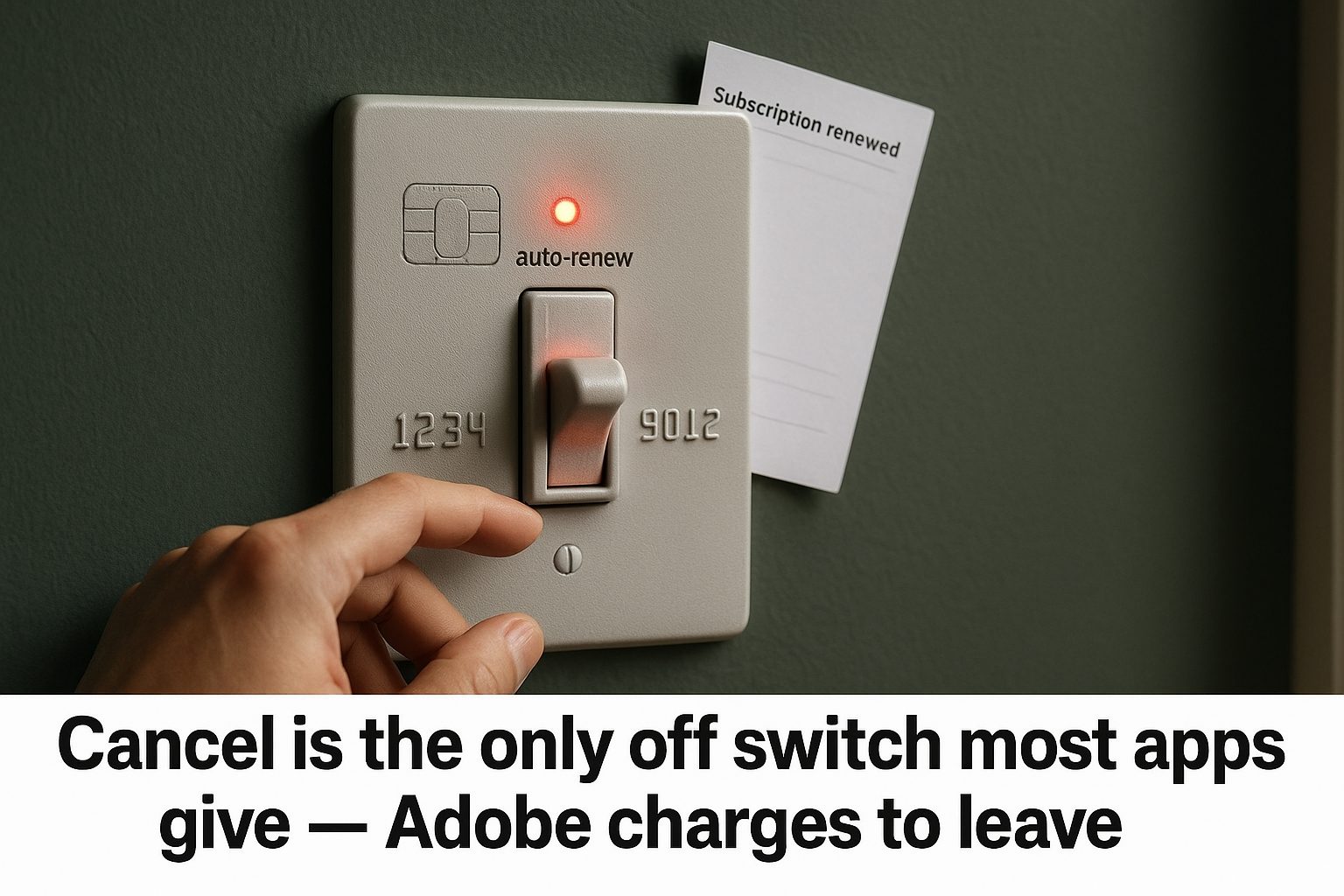
Most Subscriptions Have No Turn Off Auto-Renew Button
How to turn off auto-renew on nine subscriptions: most make you cancel, Microsoft has a real off switch, and Adobe charges 50% to leave.
Streaming Prices: Compare Ads, 4K and the Plan You Need
Compare US streaming prices, ad-free upgrades, 4K and screen limits with official sources, verification gaps, and a worksheet for your annual viewing budget.
Which Gift Cards Actually Stop a Subscription From Auto-Renewing
Compare gift-card renewal rules for seven services, including saved-card billing, prepaid-plan exceptions, and what to check before redeeming credit.