When Every Subscription Renews in the Same Month
Annual plans renew on the signup anniversary, so one busy month becomes a future month where everything is due. Which services let you move the date, checked.
There is a month every year where everything comes due at once, and it is rarely the month anyone planned for. The reason is almost embarrassing in its simplicity: a subscription renews on the anniversary of the day it was started. Monthly plans renew on the same day each month, annual plans on the same day each year. So a household that had one busy month and subscribed to four things — a tool for a project, a streaming service for one show, a backup plan because a drive died, a newsletter because a friend forwarded it — will see all four land again on roughly the same few days, twelve months later, in a month that looks nothing like the one where they were bought.
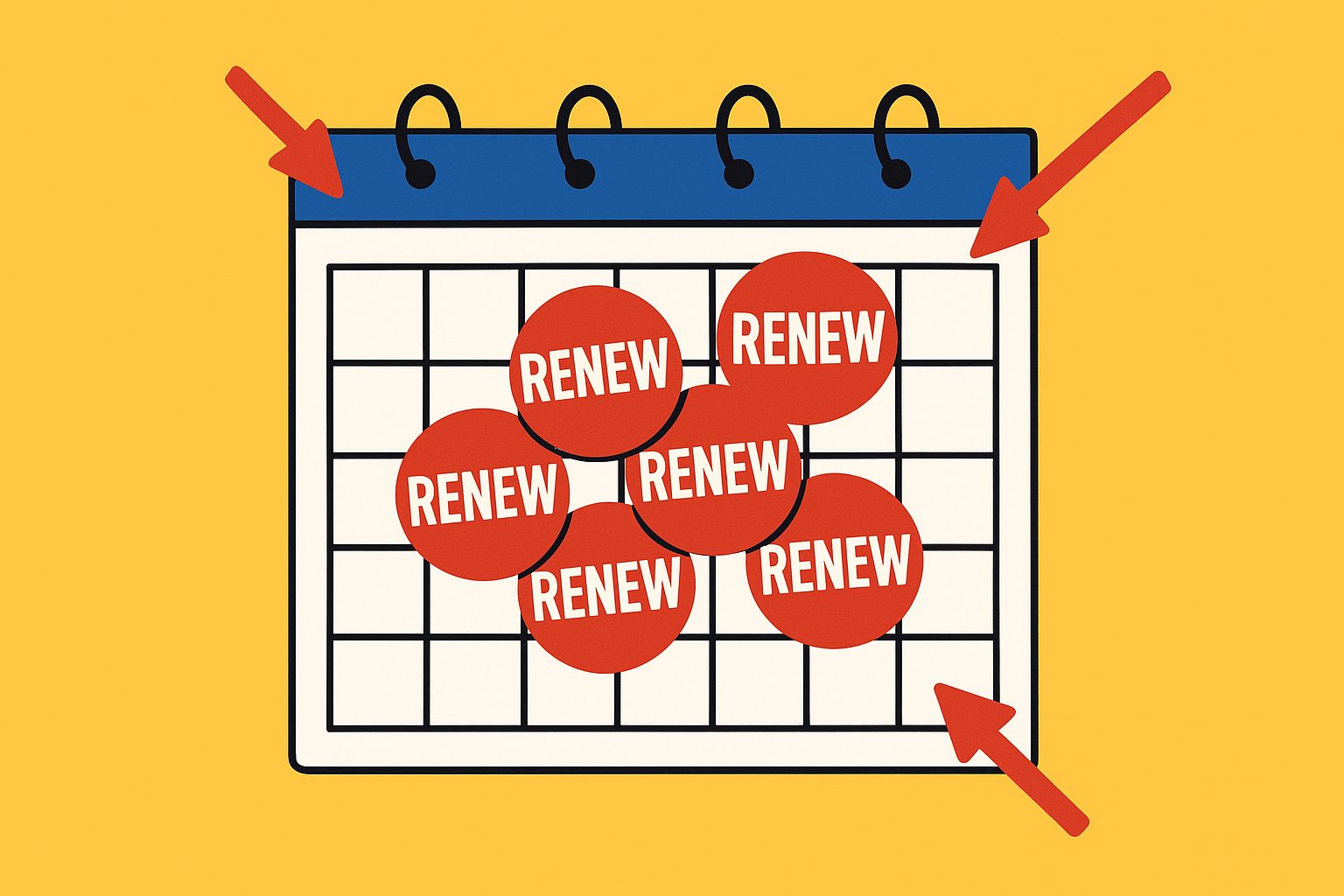
The clustering hurts most for anyone whose income arrives unevenly, because a month with a large renewal cluster eats money that was supposed to cover the quiet months. But it catches salaried people too, for a different reason: an annual renewal is the one bill that arrives with no monthly warning. Prices rarely shock anyone, because the price was known at signup. Dates are what sneak up.
Why annual plans cluster worse than monthly ones
A monthly plan that renews in an awkward week costs one awkward week. An annual plan that renews in an awkward month costs a year’s fee in that month, and several of them tend to get bought together because the yearly discount feels like it pays for everything else. That discount is real, and the gap between annual and monthly pricing is often large enough to justify it. But an annual plan is also a loan made to the vendor: a year paid up front for a service that might not be needed in four months. The annual plan regretted before its first renewal is that loan going wrong once. Renewal clustering is the same loan, stacked.
Step one is the date, not the price
The first step, and most of the fix, is unglamorous: put every recurring charge on a single page and write the renewal date next to each. Not the price. The date. Once the dates are on one page the pattern is hard to unsee. Three things renewing in the same week is not bad luck; it is the direct result of three signups in the same week. The cluster is an artifact of the buyer’s own calendar, not the vendors’, which is the first genuinely useful thing to understand, because it gives the household a starting point for planning. Moving the actual charge may still require cancellation and a gap in service.
If the list does not exist yet, finding every subscription you pay for covers where the charges hide, including the ones billed through an app store rather than the vendor.
Which services let you move the renewal date
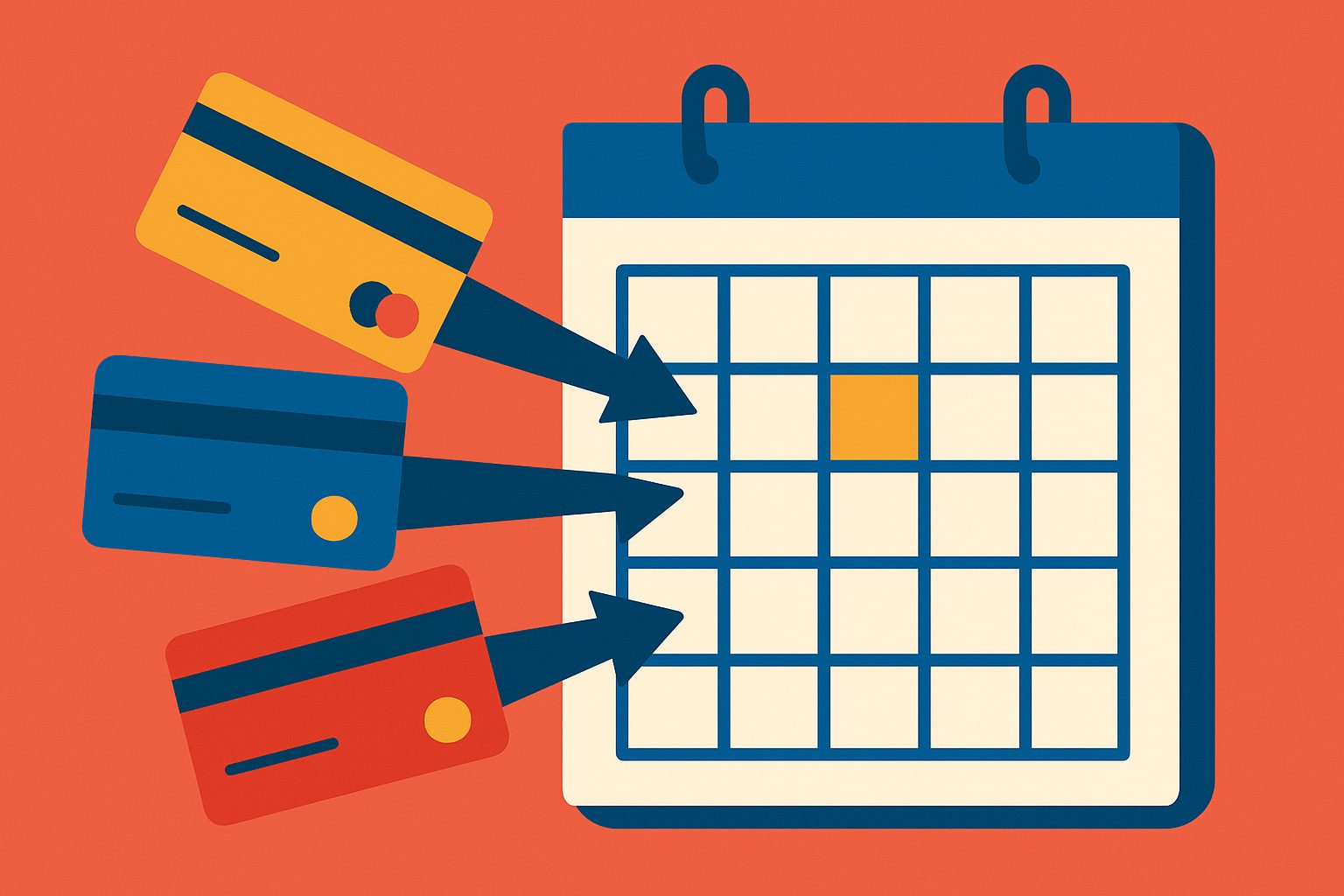
The obvious question is whether the date can simply be changed in account settings. For the services below it cannot, at least not directly. What each one offers instead is a side effect of some other action, and the side effects differ enough to be worth a table. The original source check was September 30, 2026. Apple, Google Play and Microsoft plan-switching rules were rechecked October 1, 2026; the other rows retain their September 30 check.
Correction, October 1: the previous version applied Google Play’s prepaid-plan switching rule to all plan changes. Ordinary upgrades can keep the existing billing date. Microsoft’s converted time also means the upgrade day is not necessarily the next billing anniversary.
| Service | Can the date be changed directly? | What actually moves it | Source |
|---|---|---|---|
| Netflix | No. Billing date is the signup day. If that day does not exist in a month (the 31st), billing falls on the last day; time zones can shift it a day earlier. | Cancel, then restart on the day you want to be billed. Access continues to the end of the paid period after cancelling. | Netflix Help: billing date |
| Spotify Premium | No. The help page says so outright. | Cancel, wait until the plan drops to Free at the next billing date, then resubscribe on the chosen day. Resubscribing before then keeps the old date. Shared plans need members re-invited. | Spotify: your billing date |
| Apple App Store subscriptions | No direct control. | Upgrading to a higher tier takes effect immediately with a prorated refund of the old plan, so a new period starts that day. Downgrades take effect at renewal. Switching between equivalent-level pay-up-front subscriptions of different durations also waits until renewal; commitment-based plans need their own terms checked. | Apple Developer: subscriptions |
| Google Play subscriptions | No direct control. | The immediate-payment and added-days rule applies to switching between prepaid and recurring plans. For other plan changes, timing and credits depend on the app’s chosen billing treatment; an immediate upgrade can retain the old renewal date. An available pause starts after the current paid period; check its displayed restart date. | Google Play: cancel, pause or change, billing behavior |
| Microsoft 365 (bought from Microsoft) | No direct control. | Renewing early does not lose unused time; the expiry date extends by a month or a year from where it was. Upgrading starts benefits immediately and adds converted remaining time to the new subscription. The added time depends on the old and new plans and can be shorter than the unused time. Downgrades apply at renewal. | Microsoft: problems renewing, switch between subscriptions |
| Amazon Prime | Not on the pages checked. | The terms say a successful charge after a failed payment keeps “the original renewal date and not the date of the successful charge”, so a declined card does not move the date either. Cancelling before the renewal date avoids the next charge. | Amazon Prime Terms |
Two vendors are missing on purpose. Adobe’s and Disney+’s help pages could not be read for this check, so their rows are left out rather than filled in from memory.
What the table actually says
Three mechanisms move a renewal date, and none of them is a setting.
Cancel and restart. Netflix and Spotify both document this as the only method, and both require a gap: the service has to lapse before the new date can take hold. Spotify is explicit that resubscribing early keeps the old date. This is the cleanest way to move a date, and it works only for something worth going without for a few weeks. Anything with a family or shared plan pays a small extra cost in re-inviting members.
Change the plan. Apple documents immediate upgrades with a prorated refund, while downgrades wait until renewal. Google Play supports several treatments: an upgrade can take effect immediately while leaving the billing cycle unchanged, or the unused value can affect the next charge date. Microsoft adds converted time to the new subscription. These are different mechanisms, so “upgrade on the anniversary you want” is not a reliable instruction across all three. Check the next payment date and charge before accepting a switch; immediate access does not necessarily mean an immediate new billing anniversary.
For an explicitly hypothetical example, suppose a subscription renews on October 20 and an upgrade is offered on October 5. If the offer keeps the existing billing cycle, access changes on October 5 but renewal stays on October 20. Moving the purchase to October 10 would not make the next renewal November 10. The account’s confirmation is the relevant evidence, not the date the upgrade button was pressed.
Pause. Google Play documents pausing for apps that offer it. Available durations depend on the app and subscription; verify the restart date before confirming. It is worth reading pause and automatic restart rules before relying on it, because a pause that quietly resumes recreates the exact problem being solved, when payments restart.
Do not use a payment failure as a date-changing method. Amazon’s terms keep the original renewal date after a successful retry. That does not establish every other service’s behavior: a failed card payment can also interrupt access. Read the applicable retry and cancellation rules.
The trap on the other side
The failure mode to watch for is treating “spread the renewals out” as a reason to keep something unused. Moving a date is not the same as deciding whether the thing is still wanted. Four renewals spread across four months, none of them used, is a well-timed mistake. Date-spreading only helps the subscriptions that have already earned their keep. For the ones that have not, the useful move is the harder one: cancelling while the list is already open, before the question turns into downgrade or cancel and then into “later”.
It is also worth being honest about how much the spreading is worth. For a monthly plan, moving the date changes nothing about the year’s total, only which week the charge lands in. For an annual plan the cash-flow effect is real, but the cancel-and-restart route costs a gap in service, and the upgrade route only exists if an upgrade was already sensible. The charges worth the effort are the large annual ones. The small monthly ones are usually better handled by the cancel question than the calendar one.
A method that survives an unpredictable year
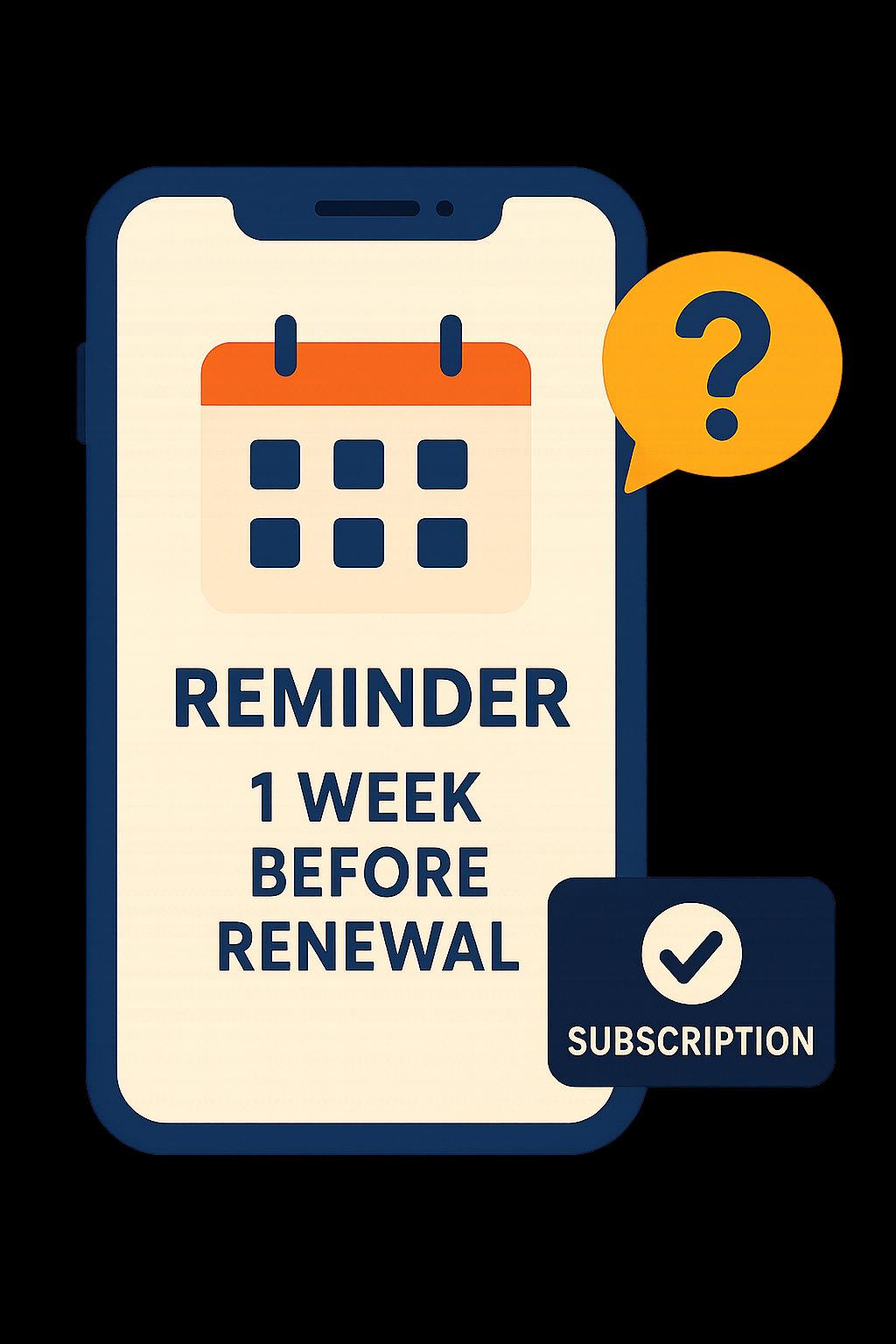
What works is not a system, because systems assume predictable months. It is a habit with a trigger. At the moment of signing up for any annual plan, two things happen. First, a reminder goes in the calendar for about a week before the renewal date. Second, the plan gets sorted into one of two categories: “keep unless something changes”, or “let’s see how it is going in eleven months”. The second category keeps its reminder. The first can run. The distinction matters because a “let’s see” subscription that renews silently is the exact shape of the charge later described as “I forgot I even had that”, and the subscription meant to be cancelled almost always started as one.
A week is a reminder preference, not a guaranteed cancellation deadline. Check the provider’s deadline when signing up and schedule the reminder earlier if needed. Treat price-change notices separately: some require consent and others permit renewal without a reply.
Before changing anything, record the current paid-through date, the amount due today, the proposed next charge date, the treatment of unused time, and any access gap. After confirming, compare the receipt and account page with that record. If the next date is not shown clearly, ask the billing provider before buying a different plan solely to move a charge.
The takeaway is small enough to actually do. Renewals cluster because signups clustered, and the cluster can be broken the same way it was made: one boring decision at a time, made in a month when nothing is due, instead of in the month when everything is.
Related reading
The Price Hike Buried in Your Renewal Email
Subscription price increases arrive weeks before the charge. What Apple, Google Play and vendors must tell you, when you must agree, and where to catch it.
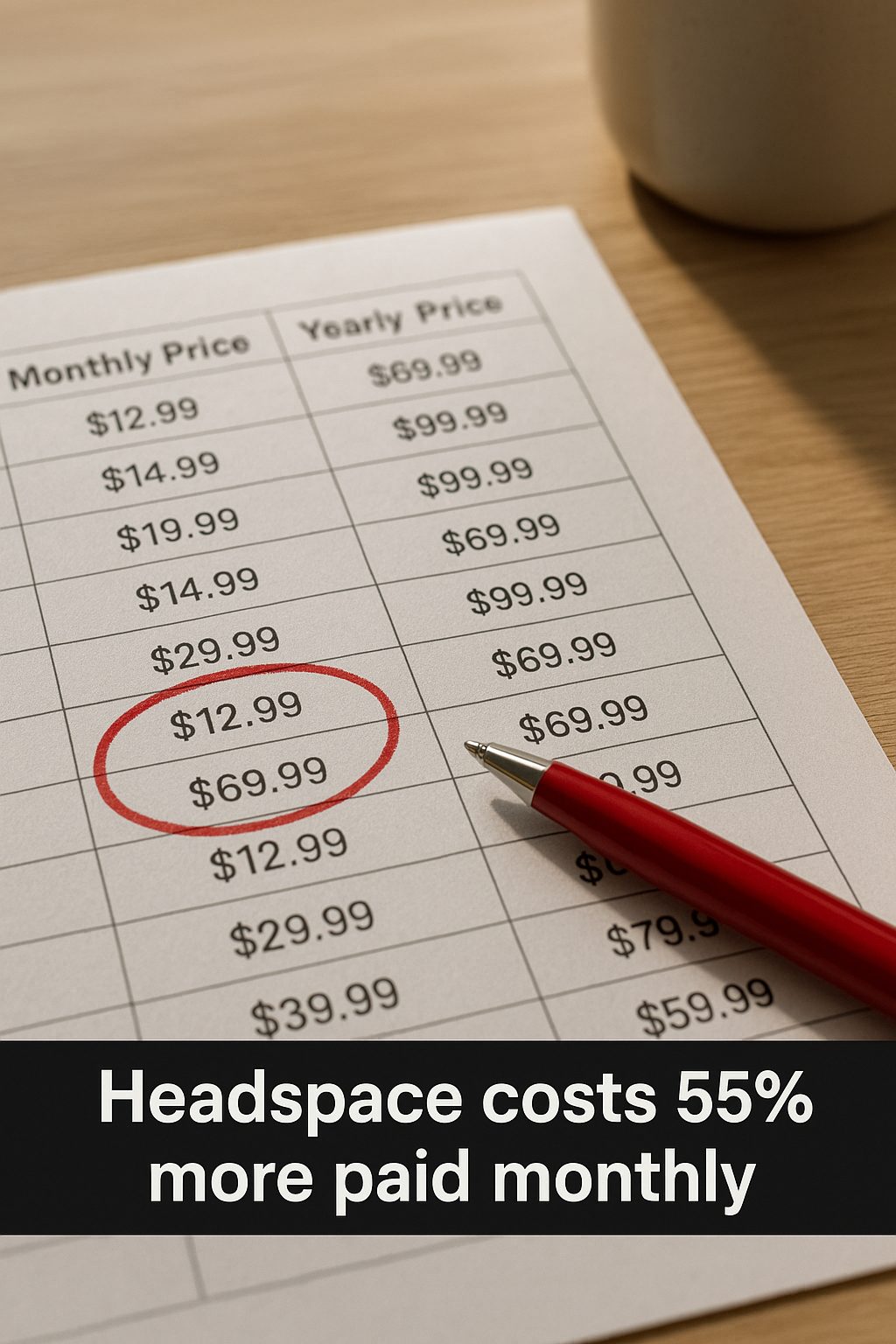
What 'Pay Annually' Actually Saves: The Real Monthly-vs-Yearly Gap
The annual discount runs from a real 55% on Headspace to nothing at all on Spotify. The monthly-vs-yearly gap for six services, read from their pricing pages.
Most Subscriptions Have No Turn Off Auto-Renew Button
How to turn off auto-renew on nine subscriptions: most make you cancel, Microsoft has a real off switch, and Adobe charges 50% to leave.
Streaming Prices: Compare Ads, 4K and the Plan You Need
Compare US streaming prices, ad-free upgrades, 4K and screen limits with official sources, verification gaps, and a worksheet for your annual viewing budget.