What a VPN Protects: HTTPS, Tracking, and Free Plans
Understand what a VPN hides, what HTTPS already protects, and how to check free-plan claims, kill switches, and privacy policies before paying for a service.
A VPN changes the route your internet traffic takes. For traffic carried through its tunnel, it can hide your home IP address from destination websites and reduce what your local network can observe. It does not make a logged-in account anonymous or make a dishonest website safe. Whether a subscription is useful depends on which of those problems you need to solve.
Correction, September 28, 2026: The earlier version made unsupported claims that free VPNs usually sell traffic and that paying is inherently safer. It also overstated what a VPN provider can read and treated kill switches as uniform. This revision separates documented behavior, provider claims, and checks you can perform. It is a research guide, not a hands-on VPN test.
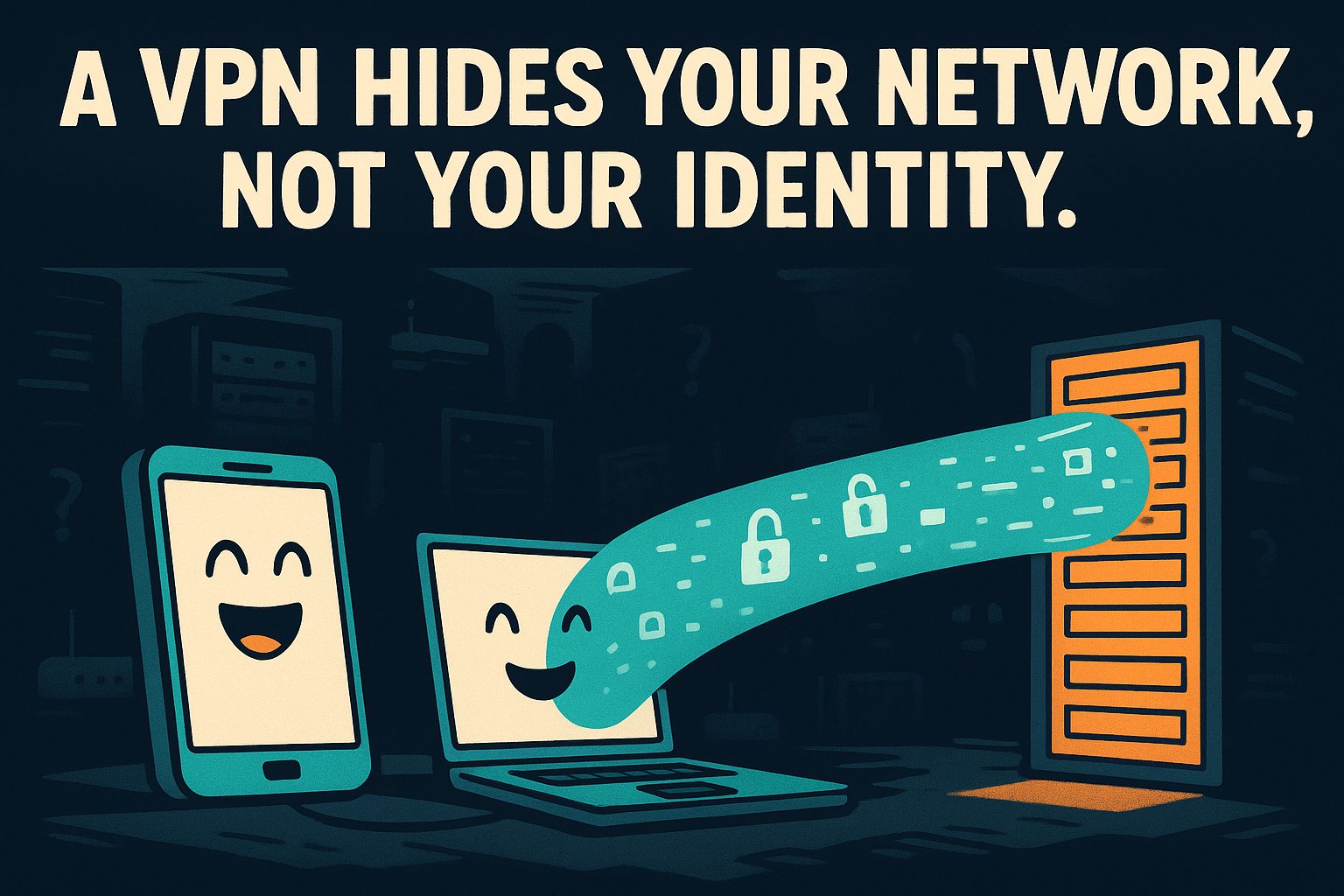
Illustration only; the tunnel is not a measurement of privacy or coverage.
HTTPS and a VPN protect different parts of the journey
HTTPS encrypts content between your browser and the website. A network observer ordinarily cannot read the password, message, or specific page path inside that connection. The website receiving that information can read it. A VPN adds encryption between your device and its server; it does not replace HTTPS on the onward journey. These are distinct boundaries, as explained in EFF’s encryption guide.
For ordinary HTTPS browsing, putting a VPN in the path does not automatically give its operator the ability to decrypt your banking session. It can still observe connection metadata. Unencrypted HTTP has a different exposure: the VPN tunnel ends at the VPN server, leaving the onward connection unprotected by HTTPS. Keep browser certificate warnings and HTTPS settings separate from the VPN’s connected indicator.
Scope checked September 28, 2026. This simplified table assumes a correctly functioning tunnel carrying the traffic in question and an uncompromised device. It does not describe every browser, employer-managed device, or routing configuration.
| Question | HTTPS without a VPN | HTTPS through a VPN |
|---|---|---|
| Can the local network read the page contents? | Normally no | Normally no; the VPN adds another encrypted layer locally |
| Can the local network learn destinations? | Domain names can often be visible; exact visibility depends on configuration | It sees the VPN connection rather than the tunneled destinations |
| Which IP address does the website receive? | Your network’s public-facing address | The VPN exit address |
| Does signing in identify your account? | Yes | Yes |
| Does the VPN operator automatically read HTTPS passwords? | No VPN operator involved | No; HTTPS still protects the content in transit |
Sources: EFF on encryption and EFF on VPNs. Cookies, account logins, and fingerprinting remain possible identifiers with a VPN. Public Wi-Fi does not by itself mean that HTTPS passwords are exposed. A provider’s audit offers evidence about a defined scope and time, not a permanent guarantee of every future connection.
Illustration only; address and content visibility depend on the protocols in use.
Free versus paid is not a safety verdict
There is no basis here for estimating what proportion of free VPNs sells browsing data. Nor does a subscription receipt establish trustworthy operation. Evaluate a named service’s disclosures instead of treating its price as evidence.
For a concrete counterexample to the old article’s blanket framing, Proton’s free-plan page advertises one device, no advertisements, no activity logs, and no data or time limit. Its funding explanation says paid subscriptions support the free service rather than advertising or data sales. These are provider statements checked September 28, 2026; this article did not independently audit its infrastructure. They support describing its stated business model, not declaring it universally safe or recommending it for every reader.
Use the same scrutiny when assessing a paid product. If the marketing page says “no logs,” save the policy that explains the term. Record whether it addresses browsing history, connection records, account details, and diagnostics separately. An unspecified claim should stay unresolved in your notes. Our guide to reading privacy policies offers a way to organise that reading.
A kill-switch checkbox needs a platform-specific check
A kill switch is intended to stop traffic escaping when the protected connection fails. Behavior differs by mode and operating system. Proton’s kill-switch documentation, checked September 28, 2026, distinguishes a standard mode that responds to accidental disconnection from an advanced mode that requires a VPN connection for internet access. It also documents macOS limitations during server changes and exceptions for some Apple-service DNS requests. Those limitations matter more than a generic “kill switch: yes” comparison cell.
The practical consequence is to record your exact platform and mode. Do not extrapolate a Windows result to a phone, or a deliberate press of Disconnect to an unexpected connection failure. A changed IP address is one useful observation, but cannot establish the absence of all leaks or verify a provider’s logging policy.

Illustration only; an account can identify you even when your network address changes.
Build a small acceptance record before subscribing
The following worksheet is an editorial decision aid, not a security certification. Fill it out for your own device and intended use. A blank is preferable to assuming a feature exists because another platform supports it.
| Record | What to write down | Decision it informs |
|---|---|---|
| Purpose | One sentence naming the network problem | Whether a VPN addresses the problem at all |
| Device and app | Operating system, app version, installation source | Which documentation applies |
| Traffic scope | Whole device, selected applications, or browser only | What you expect to be routed |
| Disconnection behavior | Documented mode and exceptions | What happens when the tunnel fails |
| Provider policy | URL, access date, relevant data categories | Which collection claims remain unclear |
| Audit evidence | Report date, assessed systems, stated limitations | Whether the report covers your question |
| Essential services | A short list of sites or apps you need | Whether the setup is usable |
| Payment | Initial total, term, renewal total, cancellation route | Whether the commitment fits the need |
| Outcome | Buy, stay free, postpone, or reject, with one reason | A decision you can revisit without repeating the research |
For example, a hypothetical reader might write: “I want this laptop’s browsing to use a different network when travelling.” That is a testable requirement. “I want all tracking to stop” needs a different plan. Keep those sentences visible while comparing features so a discount does not silently change the problem you are buying a solution for.
Separate the policy review from a basic functionality check. On a non-sensitive session, record the apparent public IP before and after connecting. Try the services you actually need. Follow the provider’s instructions for the selected kill-switch mode and note what happens when the connection is interrupted. Use ordinary test pages, not confidential browsing, for this exercise. If behavior conflicts with the documentation, preserve the app version and steps for support rather than labelling the entire product secure or insecure from one result.
Write down what you did not test. Examples include another device, recovery after a reboot, or the provider’s internal data handling. This limits the temptation to turn “the app connected once” into “the privacy claim is proven.” Readers who want to compare subscriptions can carry these requirements into our VPN provider comparison and recheck the chosen plan at checkout.

Illustration only; public Wi-Fi is not evidence that someone can read an HTTPS session.
Decide whether the expense solves your problem
Suppose, purely as a budgeting example, you need a VPN for two separate months. A hypothetical monthly option costs $8, while an annual offer costs $48 upfront. Two monthly purchases total $16; the annual commitment is $32 more. At six paid months the cash totals match. These are invented comparison inputs, not vendor quotes, and assume equal features, no taxes, and no automatic renewals beyond the months counted.
A reader who needs a year of service may make a different choice. Write down the actual months and actual checkout totals before accepting an annual discount. A lower monthly equivalent is not the same as a smaller payment for your use case.
Account security is a separate budget question. A VPN subscription does not replace the decisions covered in our password manager comparison. Buy the network capability you can name and verify, with unresolved claims recorded alongside the price.
Related reading
What a VPN Costs per Device, and Which Providers Publish Proof of No Logs
Seven VPN providers compared on real prices, device limits, logging policies, jurisdiction, and refund windows, checked against each vendor's own pages.

How to Read a Privacy Policy in Five Minutes
You click 'I agree' on documents nobody reads. Here is the five-minute scan that finds the three sentences that actually matter before you hand over your data.
Who Holds the Keys to Your Email Inbox
Most email is encrypted in transit, but only some providers cannot read your inbox. Seven services compared on price, storage and who holds the keys.
Encrypted Note Apps Compared: Who Can Read Your Notes, and What Each Plan Costs
Which note apps are end-to-end encrypted, what each paid plan costs, and how you get your notes back out — five apps checked against their own pages.