Who Holds the Keys to Your Email Inbox
Most email is encrypted in transit, but only some providers cannot read your inbox. Seven services compared on price, storage and who holds the keys.
Nearly every email provider now encrypts your mail in transit. When someone says “this mailbox is encrypted,” the claim is almost always true and almost never the point. The question that actually separates one email account from another is simpler and sharper: who holds the keys to the copy stored on the server, and can that provider read your mail if it has to? This is a comparison of published pricing and security documentation, not a hands-on audit of anyone’s servers.
There are three answers to that key question. A zero-knowledge provider encrypts your mailbox so that it cannot decrypt it even under legal pressure — it simply does not hold the key. A provider-held-key service encrypts at rest with a key it controls, which protects against a thief stealing a disk but not against the provider reading the contents. A third group sits in the middle: the mailbox is provider-encrypted by default, but you can opt into full encryption with your own key so the provider stops being able to read it.
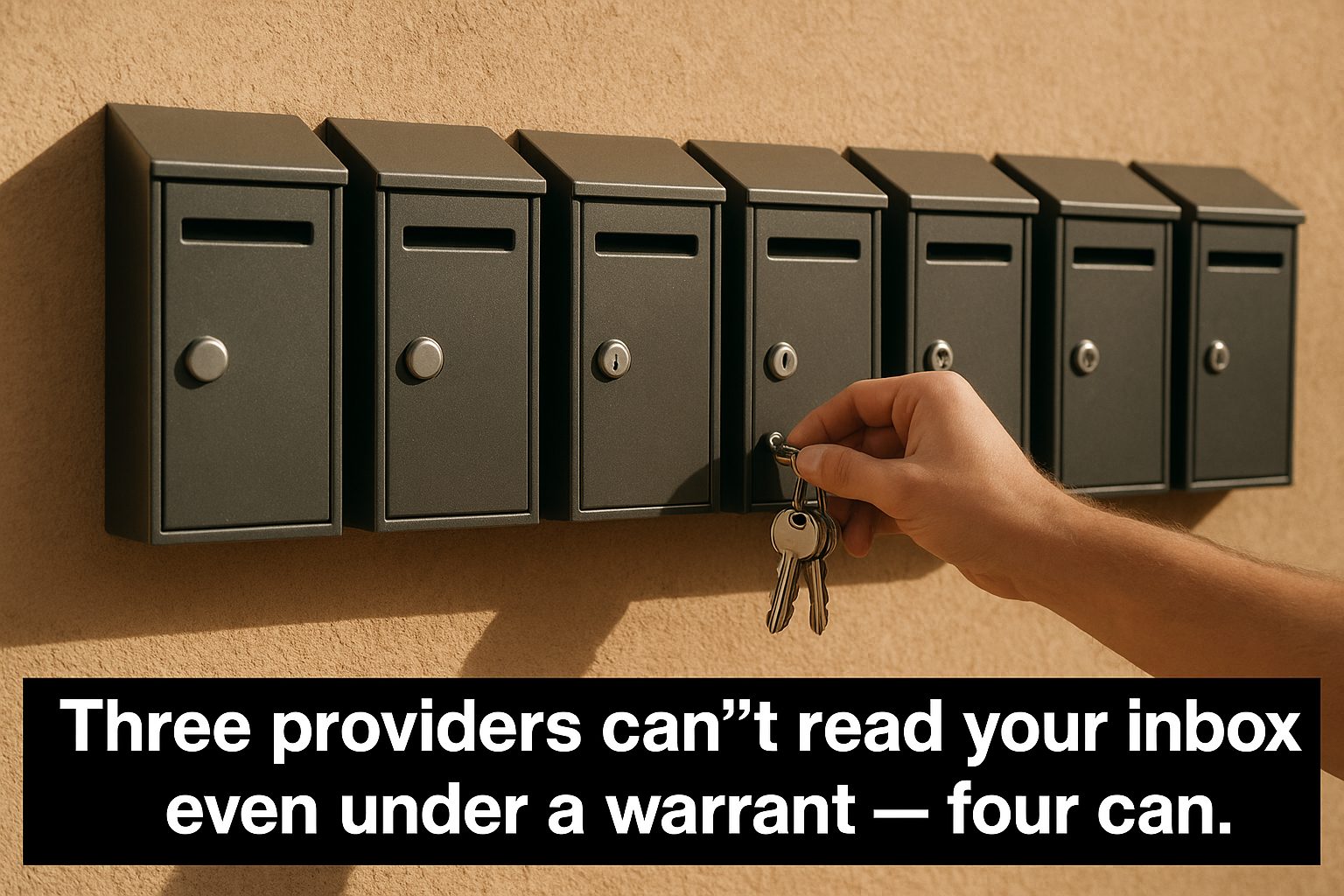
The distinction matters because it changes what a subscription is buying. Paying for “privacy” at a provider that holds your keys buys you no ads and a no-tracking policy, which is a real set of promises, but it is not the same product as an inbox that physically cannot be opened by the company. The table below separates the three groups so the price tag can be read against what it actually covers.
Seven providers compared
| Provider | Can the provider read your stored inbox? | Cheapest usable paid plan, billed annually | Mailbox storage | Your own domain | Getting mail back out |
|---|---|---|---|---|---|
| Proton Mail | No — zero-access encryption | Mail Plus $3.99/mo ($47.88/yr) | 15 GB | Yes, custom domains and aliases | IMAP through Proton Bridge (paid), export tool |
| Tuta | No — zero-knowledge, subject lines included | Revolutionary €3/mo | 20 GB | Yes, up to 3 domains | In-app export, open-source clients |
| StartMail | No — PGP, cannot read stored mail | Personal $4.99/mo ($59.88/yr) | 20 GB | Yes, 1 custom domain | IMAP |
| Mailbox.org | Optional — full inbox encryption with your own key | Standard €3/mo | 20 GB mail + 10 GB drive | Yes | IMAP and POP3, full export |
| Posteo | Optional — crypto-mail storage with your own key | €1/mo, single plan | 4 GB, upgradeable | No, Posteo address only | IMAP and POP3 |
| Fastmail | Yes — holds the keys, no end-to-end | Individual about $5/mo ($60/yr) | 50 GB mail + 10 GB files | Yes | IMAP, full download |
| Mailfence | At rest, no — only messages you encrypt are protected | Entry €3.5/mo | 40 GB | Yes | IMAP and POP |
Checked September 22, 2026 against the linked pricing and security pages. Prices and policies change — reconfirm before committing. Sources: Proton Mail pricing, Proton plans explained, Tuta pricing, StartMail pricing, mailbox.org prices, mailbox.org 2026 plan adjustment, Posteo prices, Fastmail pricing, Mailfence pricing.
The pattern in the table is not “more privacy costs more.” The three zero-knowledge services sit in the same €3 to $5 range as the two German providers that only encrypt if you turn it on. What you are really choosing between is how the encryption is arranged, because the headline prices barely separate the field. A cheaper row is not automatically a worse one, and a pricier one is not automatically more private.
The zero-knowledge three, and their small differences
Proton Mail, Tuta, and StartMail all promise the same headline thing: the provider cannot decrypt what it stores. Proton Mail phrases it as zero-access encryption and states flatly that it never has access to your data on any plan. Tuta goes one step further by encrypting the subject line too, where Proton Mail leaves subjects outside the end-to-end envelope. That is a meaningful gap if your subject lines themselves are sensitive, since a provider that cannot read message bodies may still be able to list what you titled them.
StartMail sits beside the other two but reaches zero-knowledge by a different route. It is built on OpenPGP, the same standard you would use yourself in a desktop mail client, which makes its encryption interoperable but also puts more of the mechanics in your hands. Its incoming mail still passes through its spam filter before being stored, which is a nuance worth keeping separate from the question of whether StartMail can read what it stores afterward.

The practical differences among these three are mostly about the encryption being visible and usable. Proton Mail hides the mechanics entirely, but it charges for the bridge that lets a desktop client like Apple Mail reach an encrypted mailbox. Tuta keeps its own clients and gives you the cleanest “everything is encrypted” story while asking you to live inside its apps. StartMail grants IMAP access on a paid plan, which matters if you already have a mail client you refuse to leave.
The optional middle, and what “optional” costs
Mailbox.org and Posteo tell the same story with German data centers and a different default. Both encrypt your stored mail so a stolen hard drive does not hand over plaintext, and both offer an extra step — an “encrypted mailbox” at Mailbox.org, or “crypto-mail storage” at Posteo — that moves the key into your control. Until you take that step, the provider still holds the technical ability to read the mailbox, because the encryption is using their key, not yours.
That opt-in step is not cosmetic and it has a price beyond the one euro. When your key is the only key, losing the password means losing the mailbox contents, because there is no support agent who can recover what the provider cannot read. For a person who wants cheap privacy and can accept which data is technically reachable by a well-run operator, the default is fine. For someone protecting against the provider itself, the opt-in is the whole point, and it has to be deliberate.
Posteo adds a constraint worth noticing before you compare prices. It does not offer custom domains, so you cannot bring your own address; you are choosing Posteo’s domain as part of the one-euro deal. If carrying a domain matters, Mailbox.org allows it, but the extra storage and the encrypted-mailbox option push you up from the €1 light tier to the €3 standard one.
The private providers that still hold the keys
Fastmail is the clarifying opposite case. It is a genuinely private service with no ads, no data-mining, and some of the best mail client support in the category, but it does not offer end-to-end encryption and holds the keys to stored mail. What you are buying from Fastmail is an operator that promises not to abuse its access, not an operator that has removed its access. Both are legitimate products, but they answer different threats, and the table counts Fastmail as “yes, the provider can read your inbox” for exactly this reason.
The comparison against Proton shows how differently the two reach the same outward result of “a private inbox you pay for.” Our head-to-head look at Fastmail versus Proton for a business inbox covers where they genuinely diverge once you add a domain and more than one person. The short version is that the same monthly number buys you convenience and interoperability on one side and a key you control on the other.
Mailfence is the row that surprises people who assume every “encrypted email” provider is alike. Its end-to-end encryption exists, but only for messages you explicitly encrypt with OpenPGP; the inbox itself is not stored encrypted at rest by default. That places it in a different position from the zero-knowledge three — the protection is real but it is something you apply per message, not a property of the mailbox as a whole.
What zero-knowledge does not protect
No provider in this table, including the zero-knowledge three, can protect the parts of a message that leave your control anyway. The recipient’s copy is no longer on the provider’s server, and if that recipient forwards, screenshots, or stores a copy in a provider that holds keys, your end missed nothing but the exposure happened regardless. This is the same leak that applies to messaging apps, which we tracked across which messaging apps encrypt by default.
The outer envelope is the other gap, and it is easier to forget. Encryption protects message content; the sender, recipient, time, and rough size of an exchange are metadata that sits on top. A zero-knowledge provider can often still see who emailed whom and when, even when it cannot read what was said. If the information you are protecting is the connection itself, not just the words, no inbox product on this list solves that on its own.
Getting your mail back out is part of the deal
A survey that only asks about encryption misses half the decision, because a private mailbox you cannot leave is just another form of lock-in. The “getting mail back out” column is where Proton Mail is most different from everyone else: IMAP access requires a paid bridge, while the other six open IMAP or POP3 on ordinary plans. If you intend to keep a local archive of your mail, that column can decide the choice before the encryption column ever gets consulted.
How the export actually turns out matters more than whether an export button exists. A service might hand you a pile of .eml files that a desktop client can import, or a proprietary archive you cannot practically reuse. We wrote separately about how to inspect an export, because the difference between a portable record and a file you can only read inside the tool you are leaving is the difference between having your mail and merely having a download.
Choosing against a specific threat, not against a logo
The cleanest way to use this table is to name the thing you are protecting against, then pick the row whose key arrangement actually answers it. If the threat is ad targeting and profiling, Fastmail or Mailbox.org already remove it without forcing you into zero-knowledge mechanics. If the threat is the provider reading your mail or being compelled to hand it over, only zero-knowledge — or the opt-in key on Mailbox.org and Posteo — removes that access. If what you fear is a lost password taking the mailbox with it, provider-held keys are a feature, not a bug.
Jurisdiction is the last factor and it is easy to overweight. A Swiss, German, or EU provider sits under a different legal regime than an Australian or US one, and that can matter for how a government request reaches the provider. But jurisdiction only matters for mail the provider can turn over. A zero-knowledge provider reaches the same legal answer in any country: there are no readable contents to produce, because the key lives with you. The legal shield is real, and it is weakest exactly where the provider’s key arrangement is weakest.
The decision, in the end, is smaller than the marketing makes it look. Decide whether you need the provider to be unable to read your mail, decide whether you need your own domain and a route back out, and the table will exclude most of the field for you. The remaining choice is between a handful of services that are close in price and separated mainly by how much of the encryption they let you see and control.
Related reading
Encrypted Note Apps Compared: Who Can Read Your Notes, and What Each Plan Costs
Which note apps are end-to-end encrypted, what each paid plan costs, and how you get your notes back out — five apps checked against their own pages.
What a VPN Costs per Device, and Which Providers Publish Proof of No Logs
Seven VPN providers compared on real prices, device limits, logging policies, jurisdiction, and refund windows, checked against each vendor's own pages.
Cloud Backup Is Not Sync: What a Real Backup Costs and Who Holds the Keys
Six backup services compared on price, encryption, version history and restore — and why a synced folder is not a backup.
What Cloud Storage Actually Costs per Terabyte, and Who Can Read Your Files
Cloud storage pricing per terabyte: what nine providers charge a year, and which plans encrypt files so the provider cannot read them.