Encrypted Note Apps Compared: Who Can Read Your Notes, and What Each Plan Costs
Which note apps are end-to-end encrypted, what each paid plan costs, and how you get your notes back out — five apps checked against their own pages.
Choosing a private note app requires checking which notes are encrypted, who controls the keys, and what happens if you lose access. A product name alone does not answer those questions: settings, sharing and recovery methods can change the result. This comparison covers five apps, their published plans and their exit options. It is a documentation comparison, not a hands-on security audit.
Encryption in transit, encryption at rest and end-to-end encryption protect different parts of a workflow. For a purchase decision, ask whether the provider can decrypt the stored note contents, and check the scope of that claim. Local copies, exported files and shared notes need their own checks.
Account recovery does not by itself prove that a provider can read your notes. A recovery key you keep or an already authorized device can provide a route back to encrypted data. Conversely, resetting a login can create an empty account without restoring old notes. Read the recovery procedure alongside the encryption documentation.

The table summarizes documented protection, free-plan limits and an entry paid option. Prices and editing limits were checked October 15, 2026; encryption, recovery and export checks have their own dates below. Open source makes code available for inspection, but does not by itself establish a security audit or safe settings.
| Service | Can the provider read your notes? | Free tier | Entry paid option / billing | Where your data lives / export | Open source? |
|---|---|---|---|---|---|
| Standard Notes | No — zero-knowledge E2EE (XChaCha20-Poly1305) | Unlimited plain-text notes, E2EE and sync | $90/year (Productivity) | Plain-text backup download | Yes (audited) |
| Notesnook | No — zero-knowledge E2EE by default | Unlimited notes/devices; 50 MB/month attachments, 10 MB/file | Essential: current US annual price not verified | Export, plus an open-source sync server you can self-host | Yes (GPLv3, full) |
| Joplin | No — if you turn sync E2EE on | Full app free, self-managed sync | €28.69/year (Basic) | JEX backup/export; sync files are not a portable notes folder | Yes |
| Obsidian | No — notes are local files; Sync is E2EE by default | Free app, unlimited local notes | $48/year (Sync Standard; $4/month billed annually) | Your own Markdown files on disk | No (closed) |
| Apple Notes | Ordinary iCloud notes: provider-held keys by default; ADP and locked notes have E2EE protections (see below) | Included with iCloud (5 GB shared) | iCloud+ 50 GB: $0.99/month US ($11.88 over 12 months) | Per-note PDF/Markdown export on Mac; see limits below | No |
Price and free-plan check: October 15, 2026. Dollar figures are USD; Joplin’s published annual total is in euros. Apple’s figure is monthly billing multiplied by 12, not an annual subscription. These are published prices, not checkout quotes; taxes, region, promotions and renewal terms can change the payable amount. Notesnook’s retrieved pricing page showed yen pricing, so the earlier $19.99 US annual claim is not retained as verified.
Sources: Standard Notes plans · Notesnook plans and limits · Notesnook pricing · Joplin Cloud plans · Obsidian pricing · Apple iCloud+ pricing. Encryption scope: Apple iCloud security.
Who holds the key is the first divide
Apple documents two relevant protections. Advanced Data Protection (ADP) extends E2EE to iCloud Notes; separately, locked secure notes use E2EE. The earlier claim that ADP was the only route was incorrect. See Apple’s secure-notes guide.
ADP does not cover every field or sharing mode: some Notes metadata retains provider-held keys; shared Notes require all participants to enable ADP, and “anyone with the link” sharing is excluded. Check the actual account and sharing settings. Apple’s iCloud security overview documents these limits. Encryption scope checked October 14, 2026; plan prices have a separate October 15 check above.
Editing features can require a paid plan
Standard Notes includes plain-text notes on its free plan; its $90/year Productivity plan adds richer editing, including Markdown and checklists. Professional costs $120/year and includes 100 GB of encrypted file storage. Choose based on the note formats and files you need, rather than assuming every paid tier is interchangeable.
Notesnook’s plan documentation places task lists, outline lists and Markdown shortcuts on Essential or above. The earlier statement that every editing feature was free was incorrect. Its free tier still includes encryption and unlimited notes and devices. Check the specific editor actions you use before moving your collection; access to encryption does not imply access to every editor feature.
Compare the service you would actually buy
Joplin Cloud Basic is a hosted-sync subscription at €28.69/year; Obsidian’s optional Sync starts at $48/year with annual billing, or $5 per month when billed monthly. Obsidian also sells Publish and optional support licenses, so Sync is not its only paid offering. Apple charges for shared iCloud capacity rather than a standalone Notes plan. These products do not form a defensible universal cheapest-to-most-expensive ranking, particularly across currencies and different storage models.
For a buying worksheet, name your required editor features, attachment sizes, sync devices and billing currency first. Then record the lowest plan that meets those requirements and its full payable term. A free local app may meet your needs without hosted sync; a lower subscription price is irrelevant if one required file cannot upload. Do not infer equivalent privacy from either equal prices or a price difference.

The exit is where lock-in hides
A readable export and a restorable backup serve different purposes. Before choosing an app, check what the destination can import rather than assuming a sync folder is a portable archive. This is the same distinction used when checking a tool’s export.
| App / route | Documented exit option | Boundary to check before moving |
|---|---|---|
| Joplin backup | JEX preserves notes and metadata such as tags and timestamps for re-import into Joplin; raw export stores those items in a directory. | JEX restoration into Joplin does not establish compatibility with another app. Its sync directory is designed as a database, not a user-editable Markdown vault. |
| Obsidian vault | Notes live as Markdown files in a local vault folder. | Copy the attachments too and check links and any app-specific features in the destination. File access alone does not prove equivalent rendering. |
| Apple Notes on Mac | Apple’s current guide documents selecting a note and exporting it as PDF or Markdown. | The documented procedure is per note; it does not establish a complete-library backup or preservation of every attachment and folder. Check the guide for your macOS version. |
Export documentation checked October 15, 2026: Joplin export formats, Joplin sync-directory FAQ, Obsidian storage, and Apple Notes export guide. This export check does not verify Standard Notes and Notesnook export fidelity; pricing is checked separately above.
For a small trial, create dummy notes containing a checklist, an image, a PDF attachment and a link to another note. Export them, open them in the intended destination, and compare the text, attachments, links and organization. Record missing features before committing to a full migration. Keep the source collection until that check is complete; this is a suggested acceptance check, not a migration test performed for this article.
Separate monthly attachment limits from total capacity
Notesnook’s free allowance is 50 MB per month for attachments, with a 10 MB maximum file size; note text does not count toward that allowance. Joplin Cloud Basic instead lists 2 GB total storage and a 10 MB limit per note or attachment. Apple’s free 5 GB is shared with other iCloud data, as discussed in cloud storage costs. These are different constraints, so calling one the “volume leader” would mislead.
For example, a hypothetical 12 MB PDF exceeds both listed 10 MB file limits even if the account has ample capacity remaining. Before paying, inspect a representative attachment’s size and your expected monthly additions, then compare those with both the file ceiling and the plan’s storage model. This is a planning example, not an upload test.
Self-hosting changes the operational responsibility
Self-hosting changes who operates the sync server; it is not proof that nobody else can read a note. Evaluate encryption settings, device access, backups and server maintenance separately. A person choosing self-hosting takes responsibility for keeping that infrastructure available and recoverable. Do not treat control of a server as a substitute for a recovery plan.
Check the settings before switching apps
An existing app can remain a practical choice if its documented protections meet your requirements. List the information you intend to store and who must be unable to access it. Then compare the actual settings and recovery workflow, rather than assuming an app is either always readable or always private. Familiarity alone does not establish protection for sensitive notes.
Recovery can preserve encryption, but requires preparation
| Service / situation | Documented recovery route | What to prepare |
|---|---|---|
| Notesnook | A recovery key preserves data; a saved backup restores through its backup date. Clearing and resetting deletes the old data. | Save the recovery key and backups; retain access to email and required 2FA. Recovery signs out other devices, so preserve accessible data first. |
| Standard Notes | A still-signed-in app can export data for a new account. Its forgotten-password guide says that without the password or a signed-in device, starting over is generally necessary. | Preserve accessible notes and files before deleting or resetting anything; account recreation is not restoration. |
| Apple Notes with ADP | Recovery uses a device passcode/password, recovery contact or personal recovery key; Apple lacks the keys to restore this protected data. | Set up and retain the recovery method before relying on ADP. |
Recovery documentation checked October 14, 2026: Notesnook recovery, Standard Notes forgotten-password guide, and Apple iCloud security. These are documented routes, not recovery tests performed for this comparison.
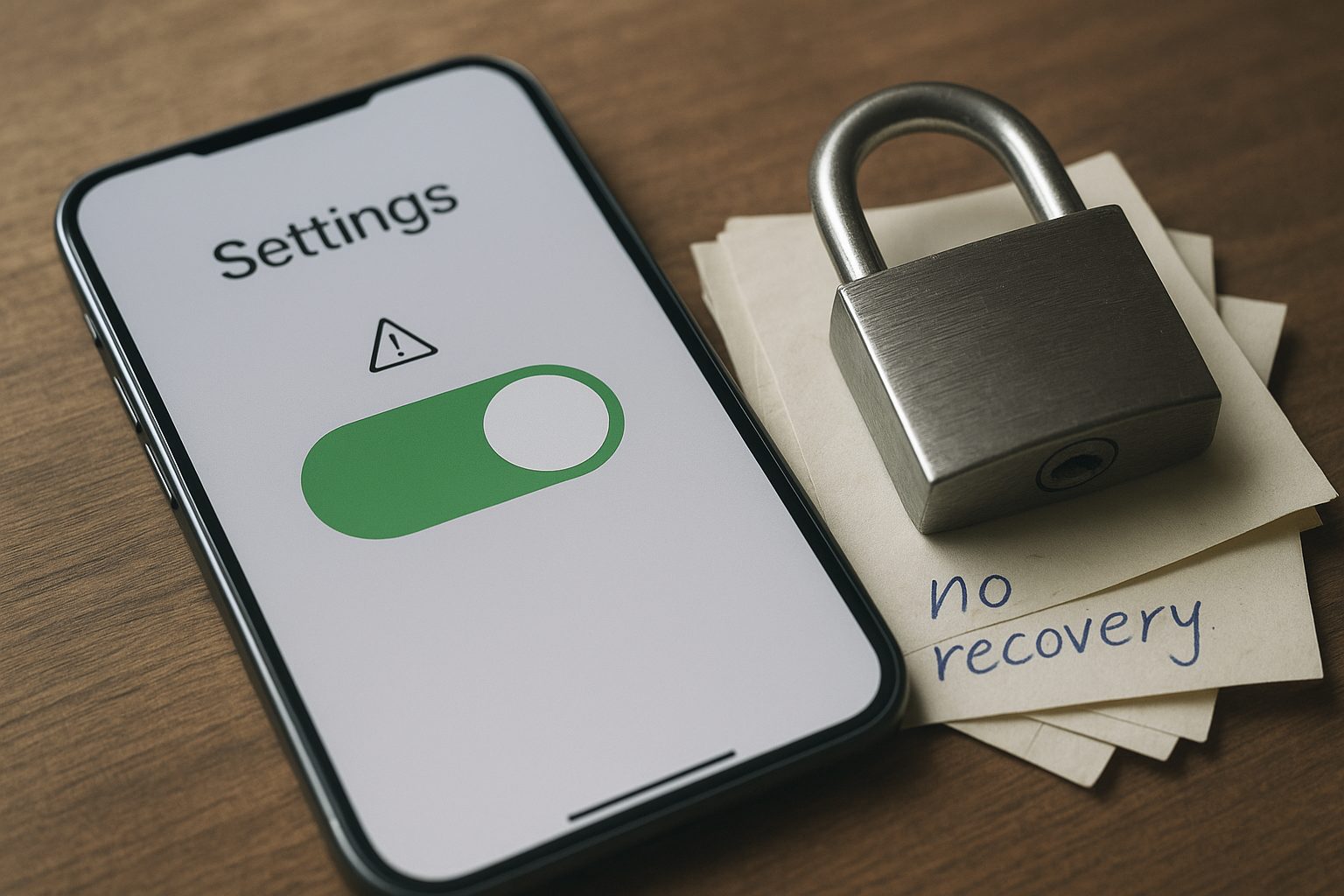
Before moving important notes, write a short loss scenario: “My phone is unavailable and I cannot remember the password.” Record which remaining device, key or backup would restore access, where it is kept, and which recent notes a backup would omit. Use dummy data to check an export and restore; do not reset your real account as a trial. An email reset link alone is not evidence that old encrypted notes will return.
The illustration below is conceptual; encrypted accounts can have recovery routes as described above.
Match the app to what you actually write
Use three acceptance criteria: the protection required for your note contents, the formats and attachments you need, and a recovery route you can maintain. The password-manager comparison uses similar questions about provider access and exit options. Check each candidate on your actual devices before moving the full collection.
A useful decision record names the app, plan, encryption setting, sharing mode, recovery material and export result. A low subscription price is only useful if the app meets those requirements. Keep recovery material accessible outside the account it is meant to recover, and revisit the record when you change devices or start sharing notes.
Related reading
Password Managers Compared — Free Limits, Annual Price, and Who Can Read Your Vault
Seven password managers compared on free limits, annual price, zero-knowledge encryption, and export, checked against each vendor's own pages.
Cloud Backup Is Not Sync: What a Real Backup Costs and Who Holds the Keys
Six backup services compared on price, encryption, version history and restore — and why a synced folder is not a backup.
Who Holds the Keys to Your Email Inbox
Most email is encrypted in transit, but only some providers cannot read your inbox. Seven services compared on price, storage and who holds the keys.
What Cloud Storage Actually Costs per Terabyte, and Who Can Read Your Files
Cloud storage pricing per terabyte: what nine providers charge a year, and which plans encrypt files so the provider cannot read them.