Password Managers Compared — Free Limits, Annual Price, and Who Can Read Your Vault
Seven password managers compared on free limits, annual price, zero-knowledge encryption, and export, checked against each vendor's own pages.
The price of storing the same handful of passwords runs from nothing to nearly ninety dollars a year, and the difference has almost nothing to do with how secure the vault is. Every password manager encrypts your logins “with AES-256,” promises “zero-knowledge,” and shows the same three device icons, so the landing pages are useless for choosing one. The differences that actually decide a purchase live in less friendly places: what the free tier really allows, what the annual price renews at after the promo ends, and what you can still get out of the vault on the day you want to leave. This comparison covers seven password managers on exactly those points.
We read every cell below from each vendor’s own pricing or security page on 2026-09-26. Where a price loads client-side or is geo-localized so a number could not be read directly, we left the cell blank rather than fill it from memory — on the day we checked, that was the case for Proton Pass’s paid plans. A table with a hole is more honest than a complete-looking one built on guesses, because a password manager’s entire value is the promise that you hand it every credential you own, so the reliability of the comparison has to stand in for the reliability you cannot verify.
| Provider | Free tier | Individual (annual) | Family (annual) | Zero-knowledge | Open source | Export |
|---|---|---|---|---|---|---|
| Bitwarden | Unlimited passwords, unlimited devices | $19.80/yr ($1.65/mo) | $47.88/yr, up to 6 users | Yes — endpoint AES-256 | Yes (GPL/AGPL) | JSON, CSV, encrypted JSON |
| 1Password | None (14-day trial) | $47.88/yr regular ($3.99/mo; $2.99/mo first-year promo) | $71.88/yr, up to 5 users | Yes — Secret Key + master password | No (audited) | 1PUX (encrypted), CSV |
| Proton Pass | Unlimited logins, 10 aliases, 3 TOTP items | Not readable (dynamic pricing) | Price not readable; 6 Pass Plus accounts | Yes — zero-access E2E | Yes (client apps) | JSON, CSV |
| Dashlane | None (annual-only) | $59.88/yr ($4.99/mo) | $89.88/yr, up to 10 members | Yes — AES-256 zero-knowledge | No | CSV, encrypted export |
| Keeper | 10 records, 1 mobile device | $34.99/yr ($2.92/mo) | $74.99/yr, 5 vaults + 10 GB | Yes — AES-256 zero-knowledge | No | CSV |
| NordPass | Unlimited passwords, 1 device at a time | $35.88/yr list (teaser from $1.59/mo) | $71.88/yr list, 6 users | Yes — XChaCha20 zero-knowledge | No | CSV |
| LastPass | Unlimited passwords, 1 device type | $36/yr ($3/mo) | $48/yr, 6 users | Yes — AES-256 zero-knowledge | No | CSV |
Verification date: 2026-09-26. Prices are US list prices for annual billing and change often — promo, regional, and renewal prices differ from the figures above. Proton Pass paid prices load dynamically and were left blank.
Sources: Bitwarden pricing · Bitwarden families · 1Password pricing · Proton Pass pricing · Proton Pass plans explained · Dashlane pricing · Keeper personal · Keeper family · NordPass plans · LastPass pricing.
The free tier is the first claim to check
“Free” means three different things across this table, and only one of them is a password manager you would actually live in. Bitwarden’s free plan is unlimited — unlimited passwords, unlimited devices, sync, and the same vault you would have as a paying customer. Proton Pass is close behind, with unlimited logins and devices and a taste of the paid extras (ten hide-my-email aliases, three 2FA codes). From there the word “free” starts to mean “a trial.” NordPass and Keeper let you store unlimited passwords but lock you to a single device at a time, which is fine for one phone and useless the moment you also need the password on your laptop. LastPass’s free plan is unlimited but confines you to one device type, computer or mobile, not both. And 1Password and Dashlane have no free tier at all — just a 14-day trial in the first case and an annual-only checkout in the second.
The annual price gap is wider than the feature gap
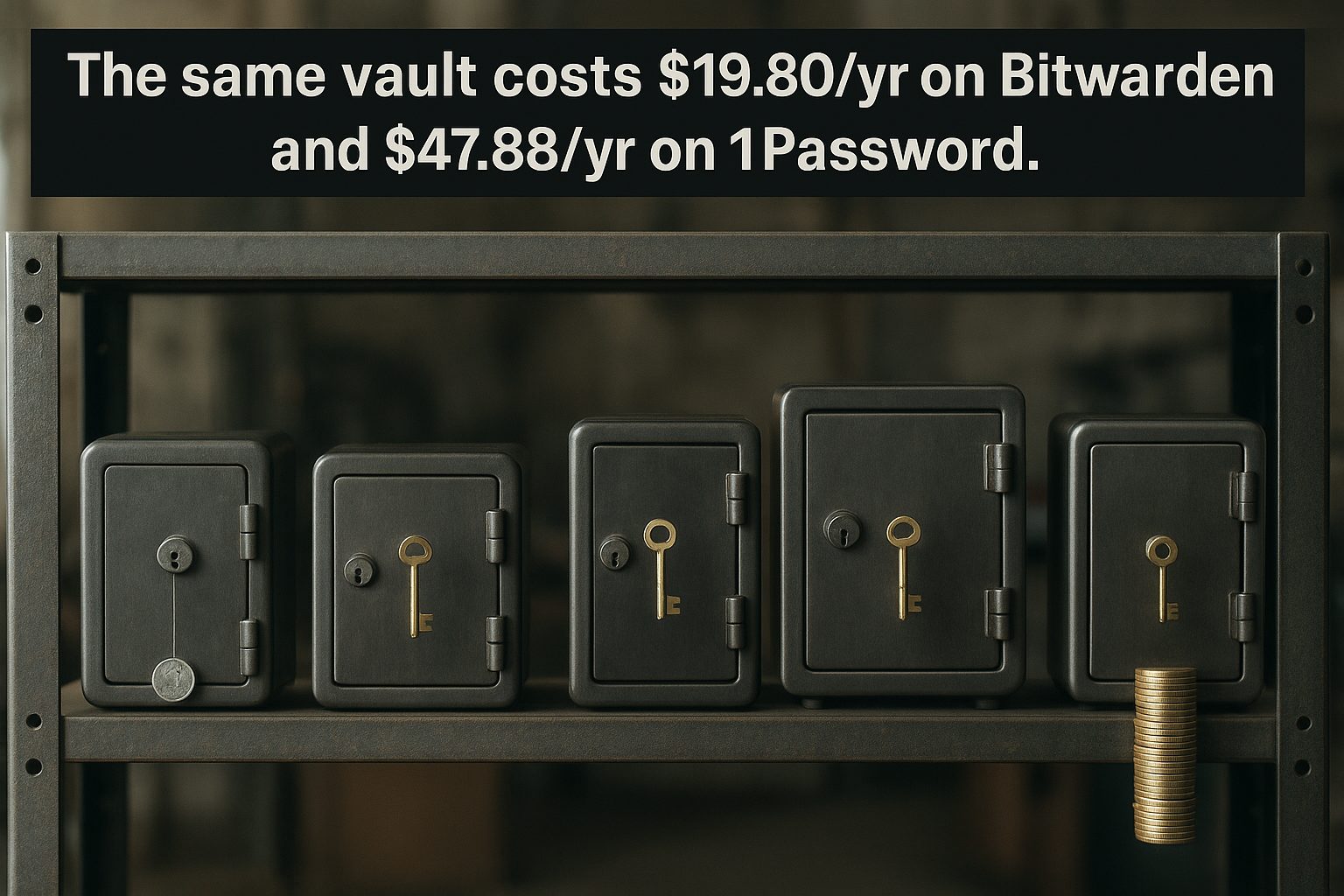
Set the free tiers aside and the paid plans price the same product across a more than two-to-one range. Bitwarden Premium is $19.80 a year; 1Password’s individual plan is $47.88 a year at its list price, and Dashlane is $59.88. None of those three is meaningfully more secure than the others on paper — they all run zero-knowledge AES-256 vaults with roughly the same autofill. What the extra money buys is mostly convenience and polish: 1Password’s bundled Watchtower monitoring and travel-mode, Dashlane’s built-in Wi-Fi VPN and dark-web monitoring. If all you want is a vault that fills passwords and syncs everywhere, the $20-a-year product does that job; the $60 product is selling you a small security suite wrapped around the same vault. The gap is worth noticing precisely because it is not a security gap.
Family plans hide their real price in the member count
The family column only makes sense once you divide it by the number of people it covers, and the headcounts do not line up. Dashlane’s Friends & Family at $89.88 a year covers up to ten members, which works out to about nine dollars a head if you fill it, but is the most expensive plan in the table if you are only a household of two. Bitwarden Families ($47.88, six users) and NordPass Family ($71.88 list, six users) and Proton Pass Family (six Pass Plus accounts) all cap at six. 1Password’s family plan covers only five members at $71.88, the highest per-head rate here. The real decision is not which family plan is cheapest — it is how many people actually need their own vault, because a plan that covers ten people is only a deal if you can name ten people.

Zero-knowledge means the company cannot read your vault — but some have still lost it
Every provider on this list claims zero-knowledge encryption, and in the strict sense the term means the same thing across all of them: your master password encrypts the vault on your device, the company stores only ciphertext, and it cannot decrypt your data even under a warrant. The column is therefore a table of “yes” with no useful contrast. The contrast is in what has actually happened despite the promise. LastPass runs zero-knowledge AES-256 too, but in its 2022 breach an attacker walked out with encrypted vault backups and — more damaging — unencrypted metadata including website URLs, which is how the breach turned into targeted phishing against specific customers. Zero-knowledge protects the passwords; it does not protect everything around them, and it is only as good as the company’s ability not to lose the encrypted blob in the first place. This is the same distinction behind the question of who actually holds the keys to your email inbox: encryption you control is not the same as encryption you merely trust a vendor to run.
Open source is the only claim you can verify yourself
One column in this table splits the list cleanly, and it matters more than any feature. Bitwarden is open source — the server and clients are public, so the “even Bitwarden cannot access it” line on its pricing page is a claim anyone can audit rather than take on faith. Proton Pass publishes its client apps. Everyone else is closed, which does not make them unsafe: 1Password and Keeper fund third-party audits and publish design documents, and several have passed repeated penetration tests. An independent audit proves that a snapshot of the code was sound at a point in time; open source proves the code in front of you is what it claims to be, today. If you cannot read code, that distinction shrinks to a matter of which institution you find more credible — but it is the difference between “verified by people you trust” and “verifiable by anyone.”
The export button is the exit, so check it before you need it
The column that predicts the day you leave is the export one, and the providers do not make it easy to find before you are already inside. Bitwarden exports your vault as JSON, CSV, or an encrypted JSON backup, and its free plan is good enough that leaving means migrating, not losing access. 1Password exports to its own 1PUX format or CSV, but CSV drops the structure — folders, histories, and fields flatten into a flat file. The pattern to look for is whether the thing you export can be imported somewhere else intact, not just whether a button exists. This is the same lesson as in checking what a tool’s export actually contains before you trust it: the right time to find out you can leave is while you still like the product, not after it changes underneath you.

The promo price renews higher, so write down the renewal
Several of these plans sell you the first year, not the product. 1Password advertises $2.99 a month, but only to brand-new customers for their first year with annual billing; the list price the plan renews at is $3.99 a month, or $47.88 a year. NordPass prices its plan on two-year terms, with a teaser around $1.59 a month that steps back up to a $35.88 list price on renewal. Dashlane went the other direction — it dropped monthly billing entirely and now sells annual-only plans, which removes the teaser-renewal game but also removes your ability to pay for a single month as a test. The number that matters is the second one, the renewal, because a password manager is the subscription you are least likely to cancel and most likely to keep for a decade.
What a password manager will not fix
A vault is one layer, and it stops doing its job the moment a second factor is missing. A strong, unique password in a zero-knowledge vault still gets reused across a stolen session token or a phishing form, and no amount of AES-256 helps when someone logs in with a code from an authenticator app that itself has no backup. If your second factor lives only on one phone, losing the phone is how you lose the accounts — which is the same risk covered in which authenticator apps actually let you leave. The password manager protects the password; it does not protect the login.
An order of operations for choosing
A dependable way to compare without falling for the marketing is to read the rows in this order, not the way the table is laid out. Start with the free tier and ask whether it is a product or a trial. Then write down the annual list price, not the promo, for the individual plan you would actually buy. Divide the family price by the number of people who genuinely need a vault. Then look past the “yes” in the zero-knowledge column to what has happened despite it, and at the open-source column to see whether the claim is checkable. Check the export format last, while you still like the tool. Run through once, that sequence surfaces the differences this table is built to expose — and it explains why two products that print the same security words can be such different purchases.
Related reading
Encrypted Note Apps Compared: Who Can Read Your Notes, and What Each Plan Costs
Which note apps are end-to-end encrypted, what each paid plan costs, and how you get your notes back out — five apps checked against their own pages.
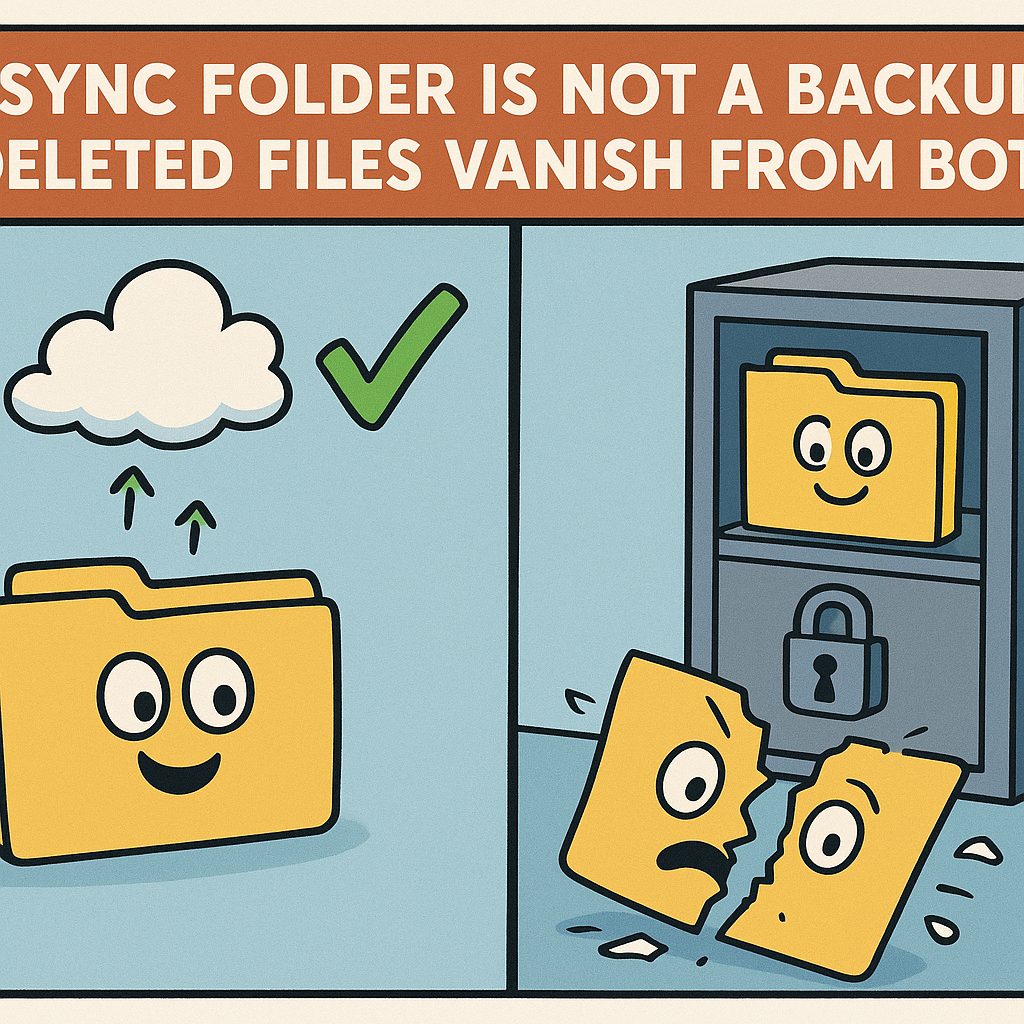
Cloud Backup Is Not Sync: What a Real Backup Costs and Who Holds the Keys
Six backup services compared on price, encryption, version history and restore — and why a synced folder is not a backup.
What Cloud Storage Actually Costs per Terabyte, and Who Can Read Your Files
Cloud storage pricing per terabyte: what nine providers charge a year, and which plans encrypt files so the provider cannot read them.
What a VPN Costs per Device, and Which Providers Publish Proof of No Logs
Seven VPN providers compared on real prices, device limits, logging policies, jurisdiction, and refund windows, checked against each vendor's own pages.