Cloud Backup Is Not Sync: What a Real Backup Costs and Who Holds the Keys
Six backup services compared on price, encryption, version history and restore — and why a synced folder is not a backup.
Ask most people where their backup lives and they point at a synced folder. The confusion is harmless until the day a file is deleted or a machine is stolen, which is precisely when the difference between “mirroring files to a cloud drive” and “keeping a recoverable copy of them” stops being semantic and becomes the difference between a five-minute restore and a file that is gone. This post separates the two and lines up what a genuine backup service actually costs.
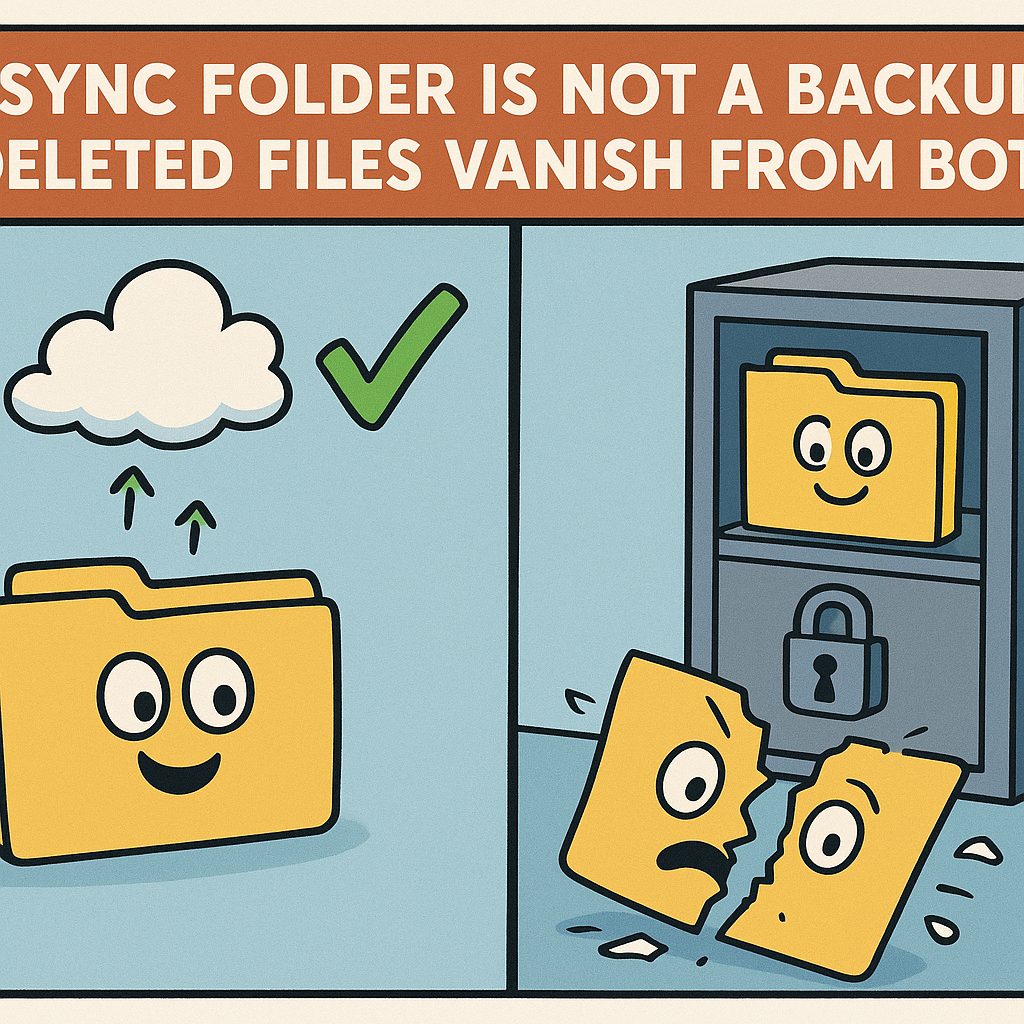
A sync service — Google Drive, iCloud Drive, OneDrive, Dropbox — reflects your files to the cloud the moment they change. A backup service keeps historical copies on a separate schedule, so a version that existed last week survives even after you delete or overwrite it today. The first protects against a lost device; the second protects against a bad keystroke, a ransomware rewrite, or a failing drive. The two are sold as if they were the same thing, and most “cloud backup” marketing leans on that ambiguity.
The mechanical difference is version retention. When you delete a file from a synced folder, the cloud copy is deleted too, usually inside a short trash window — roughly thirty days on Dropbox and Google Drive, then it is gone from both sides at once. A backup does not mirror; it snapshots. Deleting a file on your computer does not delete the snapshot the backup took last night, because the backup is not keeping your files in sync, it is recording their history. That one design choice — mirror versus history — is what you are really paying for.
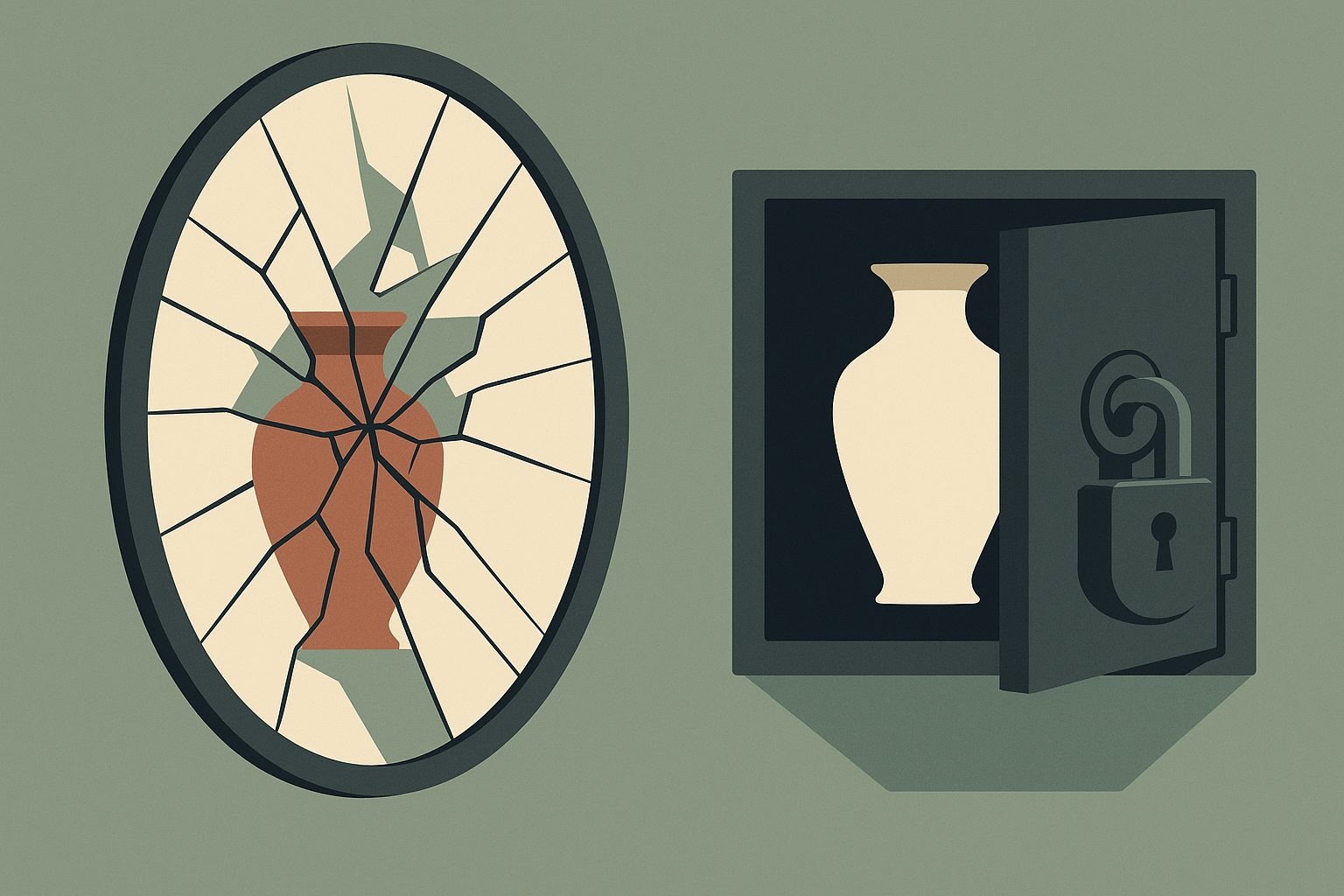
The six services below are actual backup products, not sync folders. The table lists the cheapest realistic annual plan for one computer, what it actually protects, whether the provider can read what it stores, how long old versions survive, and how you get the data back. Prices are US dollars, checked on September 23, 2026.
| Service | Annual price (US, one computer) | What you get | Who holds the keys | Version history | Restore |
|---|---|---|---|---|---|
| Backblaze Computer Backup | $99/yr unlimited ($9/mo, $189/2 yr) | Whole computer, unlimited incl. external drives | Provider by default; optional private key | 30 days default; 1 yr free opt-in; Forever $0.006/GB/mo | App/web download; mailed USB drive |
| iDrive Personal | $99.50/yr for 5 TB (first year ≈$69.65) | Files, multiple computers, unlimited devices | Provider by default; optional private key | Unconfirmed | App/web download; express drive |
| Carbonite Safe Basic | $95.99/yr (promo $71.99) | 1 computer; Plus tier adds external drive | Provider-held; private key Windows-only | Unconfirmed | Web download; courier (Prime / extra fee) |
| CrashPlan Essential | $2.99/mo (≈$35.88/yr) 200 GB, 2 computers; Pro $8/user/mo unlimited | Files, continuous, 2 devices | Custom key available; default key escrowed | Every version kept; deleted files 30 days (Essential) / 90 days (Pro) | App/web download |
| Acronis Cyber Protect Home Office Advanced | $94.50/yr (500 GB cloud, 1 computer) | Full image + file backup | Optional AES-256 with your own password (off by default) | Configurable retention | Full-image restore, dissimilar hardware |
| Arq 7 | $49.99 one-time (rises to $59.99 Sept 1 2026) + your own storage | Files to B2/S3/NAS you control | Zero-knowledge by design (you set the password) | Configurable | From your own storage |
Verified September 23, 2026. Prices and policies move, so treat these as a snapshot; the cells marked “Unconfirmed” are the ones where an official page did not pin down a number at publish time. Sources: Backblaze pricing, Backblaze version history, iDrive pricing, iDrive security, Carbonite pricing, Carbonite data security, CrashPlan Essential, CrashPlan custom key, Acronis True Image purchasing, Arq pricing, Arq encryption.
The first thing the table exposes is how the word “unlimited” hides the real cost. Backblaze and Carbonite both charge a flat fee for unlimited backup of one computer, but the two flat fees protect different things. Backblaze’s $99 covers everything on the machine including external drives with no per-gigabyte ceiling, and the catch lives in version history: 30 days by default, a year for free if you opt in, or “forever” at $0.006 per gigabyte per month for versions older than a year. Carbonite’s $95.99 Basic tier is unlimited but excludes an external drive, which pushes you to the $131.99 Plus plan — and its encryption defaults to Carbonite holding the keys.
iDrive is the row where the sticker price lies twice over. The 5 TB plan is $99.50 a year at renewal, but the first year is advertised around $69.65, and the “multiple computers” line is the real reason to look at it — it is the one service here built around a person with several machines rather than one machine with unlimited space. The discount is a one-time hook, not the going rate; the renewal is the number that recurs every year after.
Version history is where CrashPlan runs in the opposite direction from everyone else. Its Essential plan starts at $2.99 a month for 200 GB across two computers, but the headline is that it keeps every version of every file indefinitely rather than purging after 30 days, while deleted-file retention is 30 days on Essential and 90 days on Professional. Every other service in the table defaults to discarding old versions after about a month unless you opt into something longer. A backup that quietly drops last month’s version after 30 days will not save you from a problem you only notice after 40.

Then there is the question every one of these comparisons keeps circling back to: who holds the keys. “Zero-knowledge” means files are encrypted on your device before they upload, and only you hold the key, so the provider cannot read the contents even if compelled to. The same distinction that decides who holds the keys to your email inbox applies one level down to your backups, and the defaults are not what the marketing implies.
Three rows are zero-knowledge only if you turn it on. Backblaze and iDrive both default to holding the key and offer an optional private key; enabling it means forgetting that key loses the backup, because there is no support agent who can reset what the provider cannot read. Carbonite’s private-key option is Windows-only, so a Mac user gets provider-held keys whether they like it or not. Arq is the only row that is zero-knowledge by construction: it encrypts with a password you choose before anything leaves your machine, because Arq is not a storage provider at all — it is software that writes to storage you already own.
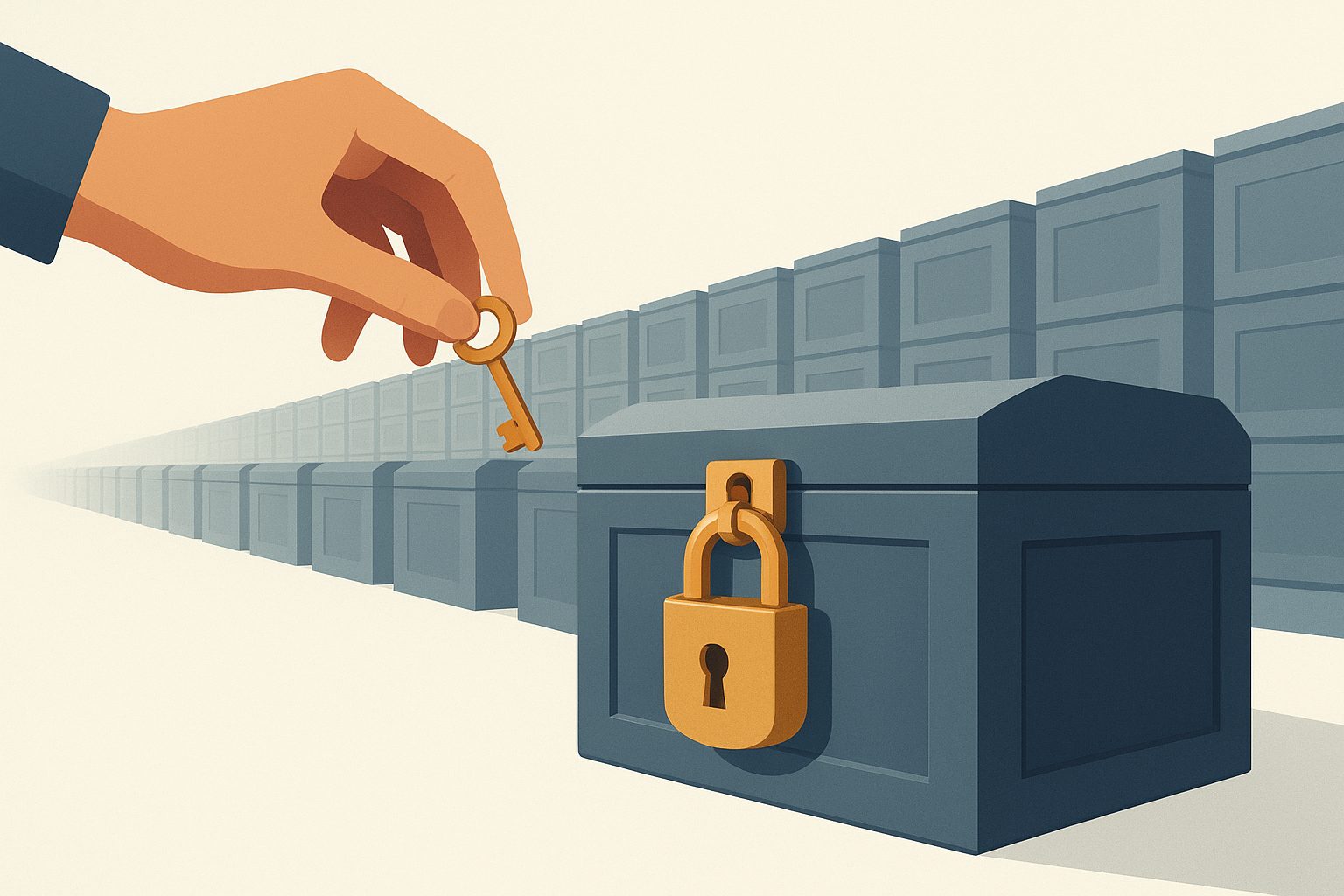
Arq is the pattern worth naming separately. For $49.99 once per computer (rising to $59.99 on September 1, 2026) it backs up to Backblaze B2, Amazon S3, Wasabi, or a NAS you run, and the storage bill is whatever that destination charges — B2 is $6.95 per terabyte per month. The free open-source tools restic and Duplicati work the same way. This is the only route where you hold the keys and the storage: the provider you pay for storage cannot read the backup, and the software that can read it does not store it. The trade is that you assemble and maintain it yourself, and a restore depends on your key, your password, and your chosen destination all still working.
Zero-knowledge is also narrower than it sounds. Encrypting the contents does not hide the fact that you have a backup, its size, or when it changes — that metadata is visible to the provider. And none of this survives a lost key: the same feature that keeps a provider from reading your files keeps you from recovering them if the password is gone. Account recovery, a second device, and a tested restore matter as much as the encryption label, which is why the restore column earns its place in the table.
Getting the data back is the half of the decision the pricing pages bury. Backblaze lets you download everything, or ship a hard drive for a fee; Carbonite’s courier delivery of recovered files sits behind its Prime tier or an extra charge; iDrive offers an express drive by mail. A backup you cannot practically restore under a deadline is only marginally better than no backup at all — if your only route back is a multi-day download of a terabyte over a home connection, the plan’s restore mechanics decide whether “recovery” means minutes or a week.
The comparison only resolves when you name what you are protecting against. If the threat is a stolen laptop, sync is genuinely enough and a backup is arguably overkill. If the threat is accidental deletion, a 30-day version history catches most of it and Backblaze’s free one-year option is the cheapest fix. If the threat is a provider reading your files, only the zero-knowledge rows — Arq, or Backblaze and iDrive with the private key turned on — actually remove that access, and the open-source tools are the only route that removes it end to end. There is no single best service; there is a best service per threat.
The distinction between sync and backup is exactly why what cloud storage costs per terabyte and this table answer different questions. That post prices the drives you mirror files onto; this one prices the history you recover them from. Paying for 2 TB of sync does not buy you a single recoverable version of a file you delete, which is the gap a backup fills — and the reason the two bills are separate. If you are still deciding whether any of this is worth money, start with how much cloud storage costs before you pay anything.
The useful way to buy a backup is to decide the threat, then check the two columns most people skip: who holds the keys, and how long old versions live. A $99 unlimited plan that discards deleted files after 30 days, or that hands the provider a readable copy of everything you own, is not automatically a bad product — it is a product aimed at a different threat than the one you may think you are buying against. Line up the price against the keys and the version history, and the field sorts itself out.
Related reading
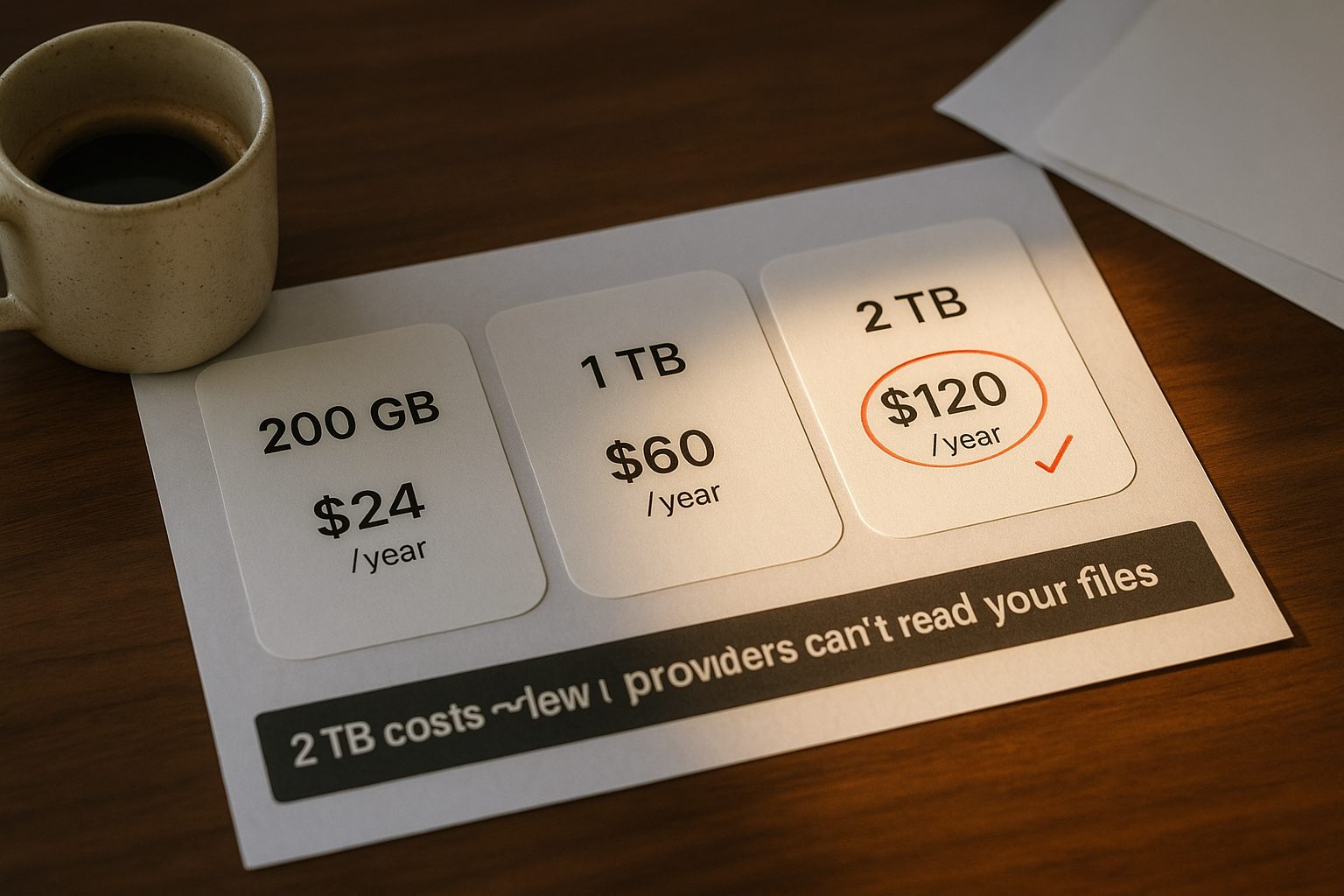
What Cloud Storage Actually Costs per Terabyte, and Who Can Read Your Files
Cloud storage pricing per terabyte: what nine providers charge a year, and which plans encrypt files so the provider cannot read them.
Encrypted Note Apps Compared: Who Can Read Your Notes, and What Each Plan Costs
Which note apps are end-to-end encrypted, what each paid plan costs, and how you get your notes back out — five apps checked against their own pages.
Password Managers Compared — Free Limits, Annual Price, and Who Can Read Your Vault
Seven password managers compared on free limits, annual price, zero-knowledge encryption, and export, checked against each vendor's own pages.
Who Holds the Keys to Your Email Inbox
Most email is encrypted in transit, but only some providers cannot read your inbox. Seven services compared on price, storage and who holds the keys.