Are Subscription Bundles Worth It? Compare What You Would Pay Separately
Compare Apple One, Amazon Prime and Microsoft 365 with separate purchases. Use household needs, billing terms and replacement costs to judge bundle value.
A subscription bundle can cost less than buying its components separately, but that comparison only helps if the components match your needs. Start with the services you would choose without the bundle, including what other household members need. Then compare the full cost of suitable alternatives with the bundle bill. This article compares published offers and provides hypothetical calculations; it does not measure how much subscribers use their plans or report hands-on tests.
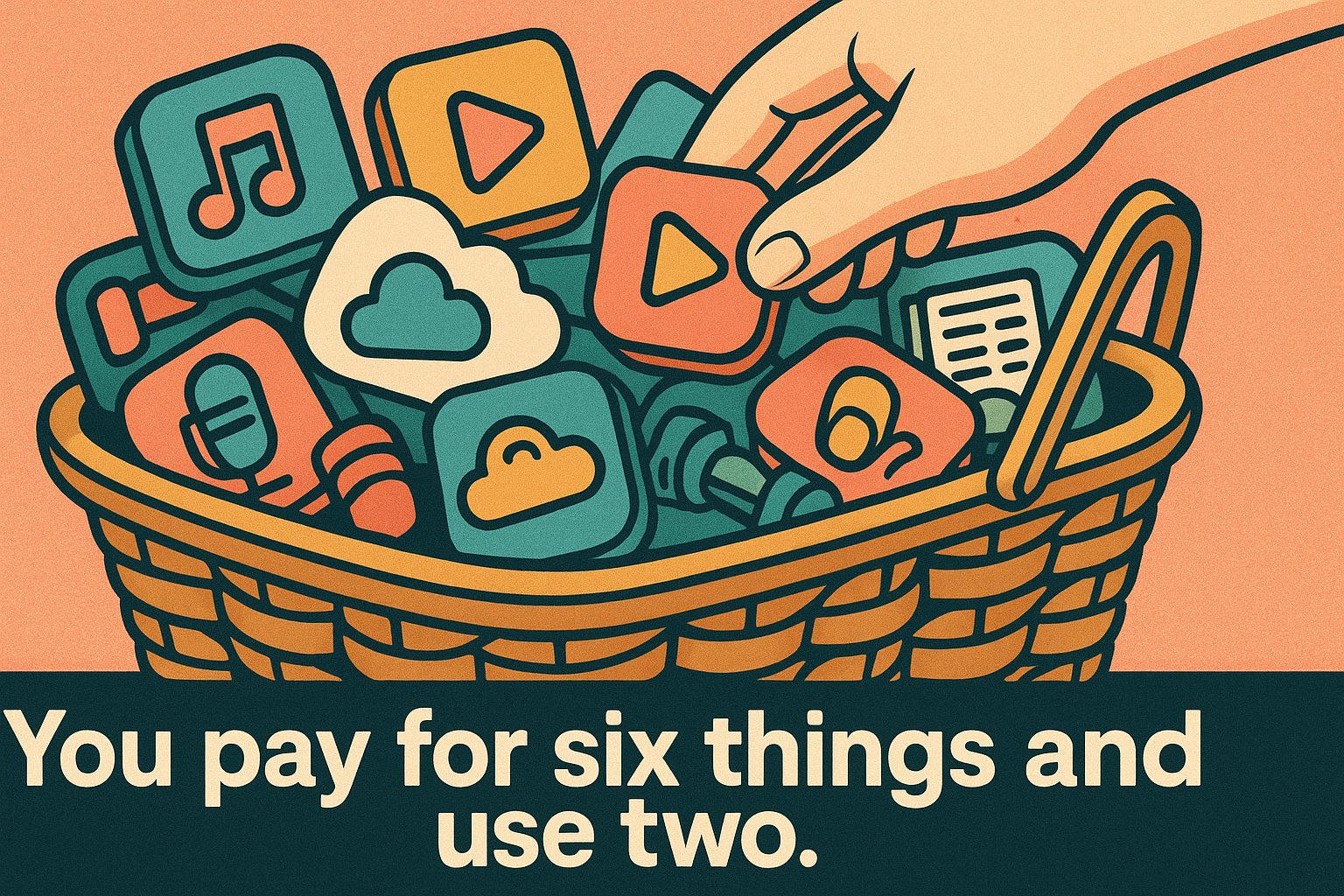
Here is the core comparison. These five subscriptions combine several services or features. The tables list United States prices, included benefits and selected alternatives; the dated notes identify which offers were checked and when.
| Service (US pricing) | Monthly | Annual (if offered) | What is actually bundled |
|---|---|---|---|
| Apple One Premier | $39.95 | Not offered | Apple Music, Apple TV, Apple Arcade, Apple News+, Apple Fitness+, 2TB iCloud+ |
| Amazon Prime | $14.99 | $139.00 | Eligible delivery benefits, Prime Video with ads, Amazon Music and Prime Reading; Ultra costs extra |
| Microsoft 365 Family | $12.99 | $129.99 | Word, Excel, PowerPoint, Outlook; new subscriptions share 2 TB OneDrive across up to six people |
| Google One: Google AI Plus (current 2 TB offer) | $9.99 | Not verified in this check | 2 TB across Photos, Drive and Gmail; higher Gemini limits, Flow, Gemini in Gmail and Gemini Notebook access |
| YouTube Premium | Not verified; see account offer | Not verified; see account offer | Ad-free video, downloads, background play and YouTube Music Premium |
Microsoft Family row checked October 22, 2026 against the US product page. Google’s row was checked separately on October 23, 2026 against its US-language plan page: the displayed 2 TB offer is Google AI Plus. The annual selector was present, but an annual amount was not verified, so the former $99.99 quote is not carried forward. Apple One Premier was checked October 23, 2026 on the linked official page: $39.95 monthly, with no annual subscription. Amazon Prime membership prices and the separate Ultra add-on were checked October 25, 2026 on Amazon’s official pages linked below. YouTube features were checked October 24, 2026 against official documentation; its purchase page did not expose a verifiable US price in this check. Prices and policies can change.
Sources: Apple One pricing, Amazon Prime membership pricing, Microsoft 365 plan comparison, Google One plans, YouTube Premium feature comparison.
The bundle price is your actual bill. A separate question is its incremental cost compared with the alternatives you would choose. The selected standalone prices below help calculate that difference, but they are not interchangeable: check capacity, household eligibility, devices and features before adding them up.
| Standalone alternative | What it costs on its own (US) |
|---|---|
| Apple Music (family plan) | $19.99/month |
| Apple TV streaming subscription | $14.99/month |
| iCloud+ 2TB | $9.99/month |
| Prime Video standalone subscription | Current US amount not verified; check your account offer. Ultra is a separate add-on, not a standalone replacement |
| YouTube Premium Lite (most videos; music and Shorts exceptions) | Not verified; check your offer |
| Office Home 2024 (includes Word and Excel) | $179.99 one-time purchase, one PC or Mac, non-commercial use |
Office Home 2024 checked October 22, 2026 on Microsoft’s US store. It is a perpetual suite alternative, not a quote for individual Word or Excel licenses. Apple standalone amounts checked October 23, 2026 against Apple’s Music, TV and One pages. The standalone Prime Video price could not be reverified on October 25, 2026 because the official fee help page was unavailable; the older $8.99 quote is therefore not presented as current. YouTube Lite features were checked October 24, 2026; its US price could not be verified on the official purchase page. These are US public prices; account offers and taxes may differ. No purchase was tested.
Sources: Apple Music, Apple TV, Apple One component prices, Amazon Prime membership pricing, Microsoft 365 for individuals, YouTube Premium Lite help.
For a hypothetical household wanting only Music Family and 2 TB storage, $19.99 + $9.99 = $29.98/month. Premier at $39.95 costs $9.97 more each month, or $119.64 over twelve unchanged payments. If that household also wants the $14.99 TV subscription, the standalone total becomes $44.97, making Premier $5.02/month cheaper. These calculations assume the listed services replace purchases the household would otherwise make; they are not measured savings.
Apple’s Premier breakdown totals all six services at $74.94 separately: a $34.99 difference from $39.95, marketed as $35. That comparison does not establish what your household saves. Count only the subscriptions and capacity you need; unused extras have no avoided cost.
For Amazon Prime, separate the value of delivery from entertainment and other benefits. Use your own order history to estimate delivery charges you would otherwise pay; do not assume every order would incur a fee without Prime. If you would independently buy Prime Video, include its standalone cost in the comparison. If you would not, assign it no avoided subscription cost. The result depends on your orders and viewing needs, not an assumed household usage pattern.
Include the Prime Video add-on only when you need it
Amazon’s US Ultra comparison, checked October 25, 2026, distinguishes the video benefit included with Prime from Ultra. Ultra costs an additional $4.99/month and requires Prime or a standalone Prime Video subscription. Annual Prime members can instead choose a $45.99 annual Ultra add-on. Even Ultra can show ads during live events, sports and selected other content or subscriptions; it is not a promise of zero advertising everywhere.
For a hypothetical year at unchanged published prices, monthly Prime plus monthly Ultra totals ($14.99 + $4.99) × 12 = $239.76 before tax. Annual Prime plus the eligible annual Ultra option totals $139 + $45.99 = $184.99. The $54.77 difference compares two payment combinations, not a guaranteed saving for someone who only needs a few months. Without Ultra, annual Prime is $139 versus $179.88 for twelve monthly payments.
Keep the viewing requirement equal on both sides of your worksheet. If you are comfortable with the included ads, do not add Ultra to the bundle calculation. If you require its features, include the applicable add-on in both eligible alternatives. The standalone video base price remains unverified here, so calculate that alternative from your account offer before deciding that delivery benefits justify full Prime.
Microsoft 365 is optional even if you need desktop Word and Excel. Office Home 2024 provides both for a one-time $179.99 payment on one PC or Mac for non-commercial use. It does not include future major-version upgrades. Family instead costs $129.99 annually or $12.99 monthly for up to six people, with 2 TB shared storage on the current new-subscription offer. Older subscribers should check their account notice and the storage transition details before assuming their allowance has changed.
For a hypothetical household needing just one home computer, two years of Family at the checked annual rate would cost $259.98, versus $179.99 for Office Home 2024: an $79.99 difference. This assumes unchanged subscription pricing and no paid Office upgrade. The products are not equivalent: compare the number of people and devices, required apps, storage and ongoing features before treating that difference as a saving. A one-computer license is not a six-person replacement. No purchase or hands-on comparison was performed.
Google One also needs a bundle calculation. The October 23 plan page combines 2 TB with AI features; describing it as storage alone hides part of what the payment covers. That does not make those extras valuable to every household. List the storage you need and the features you would otherwise pay for, then compare the available plans in your account. Existing subscriptions may differ from the public offer, and feature eligibility and usage limits apply.
For example, if a hypothetical household needs no more than 100 GB and would not pay for AI features, the checked Basic quote is $1.99/month against $9.99 for the displayed 2 TB offer. Twelve unchanged monthly payments would be $23.88 versus $119.88, a $96 difference; these are calculated totals, not annual-billing quotes. A household needing more capacity cannot treat Basic as an equivalent replacement. Family sharing can include up to five other people, but sharing a capacity allowance does not automatically share their files. Review everyone’s usage before downgrading. This is documented-plan analysis, not a purchase or hands-on test. The same cost-per-use calculation helps decide whether an included feature replaces a separate bill or merely adds an unused entitlement.

Does YouTube Premium Lite replace the full bundle?
The official Lite help page, checked October 24, 2026, describes ad-free viewing, downloads and background playback for most videos. Ads can still appear on music content, Shorts, and search or browsing screens. Downloads and background playback exclude Shorts and music content, which can include covers or a vlog containing a partner’s song. Lite does not include YouTube Music Premium.
That distinction changes the bundle calculation. If you need a separate music service after switching, add its actual cost to the Lite offer before comparing totals. If your priority is non-music viewing, Lite may meet your needs without the full bundle; check the exceptions against what you watch. Background playback alone is no longer a reason to assume you need full Premium: YouTube’s February 2026 announcement extended it to eligible Lite videos.
The official Premium and Lite purchase pages did not expose readable US prices during this check, so the tables mark the amounts unverified instead of repeating older secondary-source quotes. Record the offers available to your account, including billing period, before calculating a saving. This comparison verifies documented features, not playback behavior or a checkout transaction.
A household worksheet for comparing the alternatives
Use the same period for both options. An annual bill buys a year even if you only need a service for several months; multiplying a monthly quote by twelve is a calculation, not proof that annual billing is available. Compare annual versus monthly costs and record the next renewal date before changing a plan.
| Check | What to write down | How it changes the comparison |
|---|---|---|
| Required benefits | Each household member’s needed apps, storage, delivery or entertainment | A feature the payer never opens may still serve someone else |
| Suitable alternatives | A standalone plan, a smaller bundle, a free option or no replacement | Do not assume the most expensive standalone product is the alternative |
| Equivalent scope | People, devices, capacity and required features | A cheaper plan that cannot meet these needs is not a replacement |
| Comparable total | Actual payments over your chosen period, including relevant taxes and add-ons | Separate upfront annual bills from monthly equivalents and promotional rates |
| Switching conditions | Renewal date, cancellation timing, data export and access changes | Avoid a saving that depends on losing needed files or paying overlapping bills |
For an explicitly hypothetical example, suppose a bundle costs $30 monthly and suitable replacements cost $12 and $8. The $20 replacement total is $10 less per month, or $120 over twelve unchanged payments. But if another household member needs a third service costing $15 separately, the comparable total becomes $35: the bundle would then cost $5 less per month. These invented inputs illustrate the method, not prices for any provider or measured household savings.
Ask the other users before canceling a shared plan. Record which benefits they need and whether those needs can be met under the proposed replacement. The family-plan payer checklist can help organize that discussion. Recent usage is evidence to consider, but an unopened backup or a seasonal service may still have a purpose; decide whether you need it during the next billing period.
If suitable replacements cost less, check transition costs and access before switching. If the bundle costs less, keeping it can be reasonable even when some extras go unused. You do not need to use every component to make the bundle worthwhile: the comparison is with what you would otherwise pay for the benefits you need.
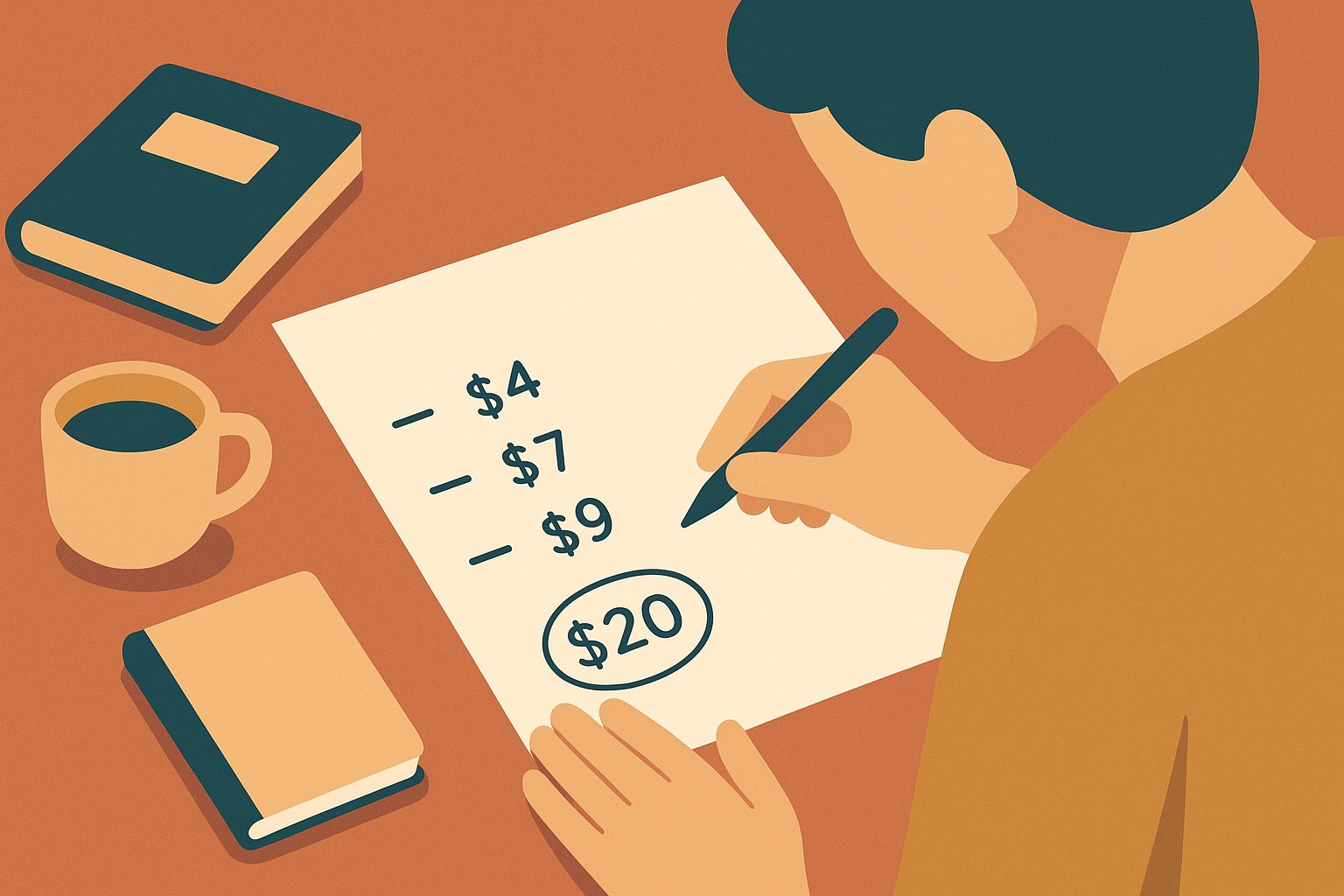
Keep the completed comparison with your subscription list and revisit it when a price, household need or renewal term changes. Advertised savings compare a provider’s chosen components; your decision should compare suitable options for your household. A bundle is worthwhile when its total cost and conditions fit those needs better than the alternatives, whether or not you would have bought every included service separately.
Related reading
Most Subscriptions Have No Turn Off Auto-Renew Button
How to turn off auto-renew on nine subscriptions: most make you cancel, Microsoft has a real off switch, and Adobe charges 50% to leave.
Streaming Prices: Compare Ads, 4K and the Plan You Need
Compare US streaming prices, ad-free upgrades, 4K and screen limits with official sources, verification gaps, and a worksheet for your annual viewing budget.
Which Gift Cards Actually Stop a Subscription From Auto-Renewing
Compare gift-card renewal rules for seven services, including saved-card billing, prepaid-plan exceptions, and what to check before redeeming credit.
Which Subscriptions Let You Quit Online — and Which Still Make You Call
Gyms and cable still force a phone call, a letter, or an in-person visit to cancel; Audible and Amazon take two clicks. Eight subscriptions compared on leaving.